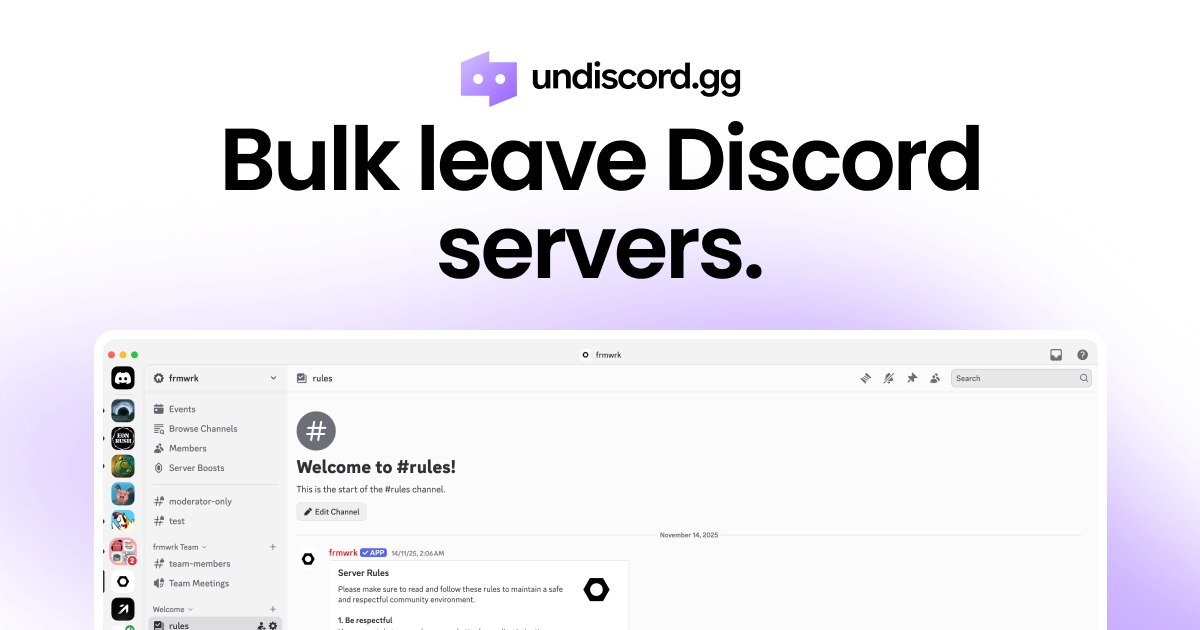
Undiscord is a free browser extension designed to help Discord users bulk leave unwanted servers quickly and safely. This tool falls into the category of productivity utilities for Discord, specifically focusing on server management. It is ideal for anyone who has accumulated a large number of servers over time and wants to clean up their sidebar without the tedious process of leaving each one manually. The core value proposition is simplicity and privacy: with no tracking, no login, and a completely free forever model, Undiscord provides an efficient way to regain control of your Discord experience. By installing the extension from Chrome, Edge, or Firefox, users can instantly see all their servers in one unified view and take bulk action.
The primary problem Undiscord addresses is the cluttered and overwhelming Discord sidebar that results from joining multiple servers over time. Many users find themselves in dozens or even hundreds of servers from past games, communities, or events, making it difficult to navigate to the ones they actually use. Manually leaving each server requires several clicks and confirmation dialogs, which is time-consuming and discourages cleanup. This clutter can lead to missed notifications, difficulty finding relevant conversations, and overall reduced enjoyment of the platform. By enabling bulk leaving, Undiscord solves this pain point directly, allowing users to declutter their server list in minutes instead of hours. The importance of this solution is amplified by the fact that Discord does not natively offer any batch leave functionality.
First major feature: "Shows you all your Discord servers in one place." Upon installing the Undiscord extension and opening Discord in a browser, the extension automatically detects and loads a comprehensive list of every server the user is a member of. This centralized view is presented in an intuitive interface separate from Discord's own sidebar, giving users full visibility into their server membership. The benefit is clear: users no longer have to scroll through a long sidebar to see what servers they have joined; instead, they can review the entire collection at a glance. This feature is essential for making informed decisions about which servers to keep and which to leave, as it eliminates the need to remember or manually search for each server. It serves as the foundation for the bulk leaving process.
Second major feature: "Bulk select servers and press Leave Servers." After viewing all servers, users can check the boxes next to any servers they wish to leave. To prevent accidental removal, the extension includes a "lock" feature that allows users to mark servers they want to keep, ensuring they are not accidentally selected. Additionally, a preview of the selection is shown before any action is taken, giving users a final chance to review. When ready, pressing the "Leave Servers" button executes the batch leave operation. This workflow mimics the familiar pattern of selecting items and performing a bulk action, making it intuitive. The result is that users can remove dozens or even hundreds of servers in just a few clicks, dramatically reducing the effort required for server cleanup.
admin
Third feature group: Safety, privacy, and cross-browser support. Undiscord explicitly states it does not track users, does not require a login, and is free to use forever. These attributes address common concerns about browser extensions regarding data collection and cost. The extension is available for the three major browsers: Google Chrome, Microsoft Edge, and Mozilla Firefox, as indicated by the download buttons on the site. Additionally, the extension has earned a high rating (4.7 stars) and is used by over 800,000 users according to the Chrome Web Store listing image. The FAQ confirms that Undiscord is not affiliated with Discord Inc., but simply a third-party tool. Trust is further reinforced by the footer stating "Trusted by 5,000+ users" (likely a different metric), giving potential users multiple signals of reliability.
How the product works overall: The workflow is presented in three simple steps on the website. Step 1: Download the free Undiscord browser extension from the official store for Chrome, Edge, or Firefox. No sign-in is required. Step 2: Open Discord in your browser and run the Undiscord plugin; it automatically loads your servers without any additional configuration. Step 3: Bulk select the servers you want to leave, optionally lock servers you wish to keep, preview your selections, and then press the "Leave Servers" button. The entire process is designed to be completed within minutes, with no need to interact with Discord's own UI for leaving servers. This streamlined approach minimizes friction and makes cleanup accessible even to non-technical users. The extension's approach is to augment Discord's web app with a dedicated management overlay.
Concrete use cases include gamers who have joined multiple servers for temporary events like game jams, tournaments, or beta testing, and later want to remove those servers to reduce noise. Another scenario is community managers or moderators who may have joined servers for collaborations that are no longer active, needing to exit cleanly. Users who frequently join giveaway or promotion servers often end up with many unwanted servers; Undiscord helps them leave these en masse. Additionally, users who have been on Discord for years may have accumulated servers from past hobbies or friends that are no longer relevant. The outcome in each case is a cleaner sidebar, reduced distraction, and a more organized Discord experience. Users report saving significant time and feeling more in control of their digital space.
The primary target audience for Undiscord includes Discord users with a large number of servers, especially gamers, content creators, and community managers. It is also ideal for anyone who values a tidy and functional interface, as the clutter of old servers can be overwhelming. The extension works on any browser that supports Chrome, Edge, or Firefox extensions, making it accessible to most desktop users. Pricing is entirely free with no hidden charges or premium tiers, as emphasized by "Free forever." The summary takeaway: Undiscord is the simplest, safest, and most private solution for bulk leaving Discord servers, enabling users to clean up their sidebar quickly and reclaim an organized Discord experience. With its high user ratings and transparent privacy policy, it stands as a trustworthy tool in the Discord ecosystem.
Discord users with a large number of servers who want to declutter their sidebar. This includes gamers who join many servers for events, content creators who participate in multiple communities, community managers who need to manage membership, and anyone who finds themselves overwhelmed by server overload. The tool is also suited for privacy-conscious users who prefer no-tracking solutions, and for those who want a free, no-login tool to quickly clean up their Discord experience without manual effort.