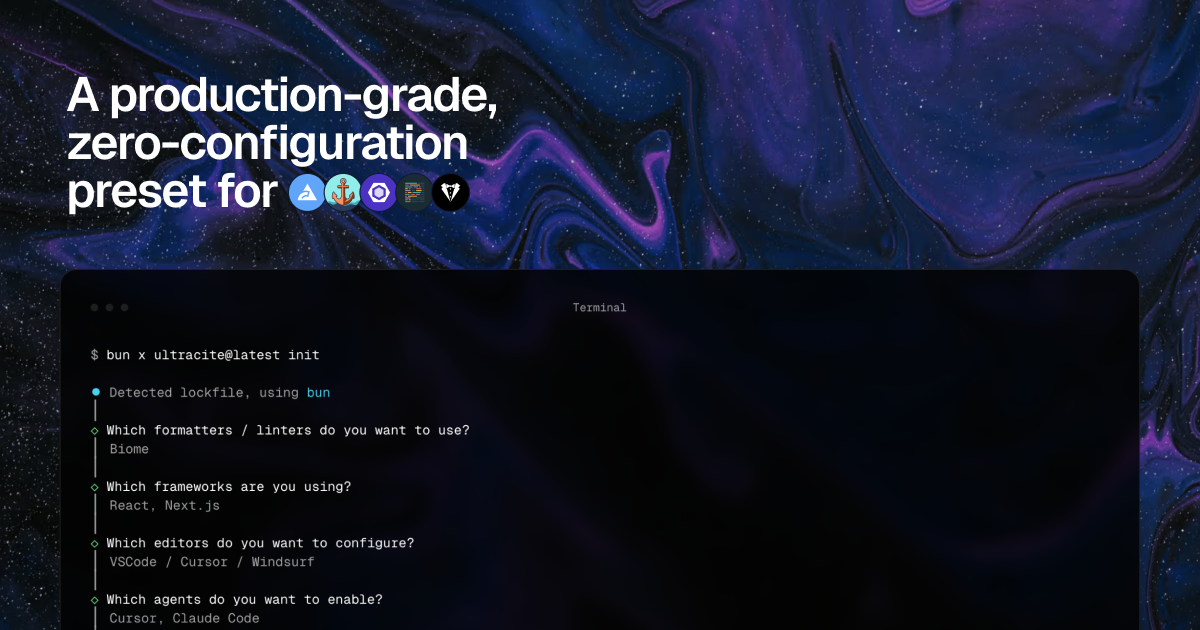
Ultracite is a highly opinionated preset for ESLint, Biome and Oxlint designed to help you and your AI models write consistent and type-safe code without configuration hassle. It provides hundreds of rules optimized for JavaScript/TypeScript frameworks.
Ultracite is a production-grade, zero-config linting preset designed for ESLint, Biome, and Oxlint. It belongs to the category of developer tooling for code quality and consistency. This tool is built for JavaScript and TypeScript developers, particularly those working with frameworks like React and Next.js, as well as for AI models that generate code. The core value lies in eliminating the need for manual linting configuration while enforcing hundreds of rules out of the box. By adopting Ultracite, teams and AI agents can immediately achieve consistent, type-safe code without debating formatting choices or spending time on setup.
The primary pain point Ultracite addresses is the endless configuration overhead and team disagreements over coding style. Traditionally, setting up ESLint, Prettier, and Stylelint requires installing multiple plugins, writing complex config files, and maintaining them across projects. This leads to inconsistent code across team members and AI-generated code, causing code review friction and technical debt. Ultracite solves this by providing a unified, opinionated preset that works immediately. Developers no longer need to decide which rules to enable or how to resolve conflicts between linters. The result is a streamlined workflow where code quality is enforced automatically, freeing teams to focus on features rather than formatting.
One of Ultracite's standout features is its zero-config by design approach. Upon installation, it automatically detects the user's framework (such as React, Next.js, or TypeScript) and applies hundreds of optimized rules. For example, when using ESLint with Prettier and Stylelint, Ultracite generates the necessary config files like `eslint.config.mjs`, `prettier.config.mjs`, and `stylelint.config.mjs` with sensible defaults. This eliminates the guesswork of rule selection and ensures compatibility across tools. The benefit is that developers can start linting immediately without reading documentation or tweaking settings. This feature is particularly valuable for onboarding new team members or for projects that must maintain strict code standards from day one.
Ultracite is designed to work seamlessly with AI coding agents, supporting over 40 agents including Claude Code, GitHub Copilot, Codex, Gemini, and Warp. It generates rules files (such as `.cursor/hooks.json`, `ultracite.mdc`, and `.vscode/settings.json`) that guide these agents to produce code that adheres to the project's linting standards. This means that when an AI assistant suggests code, it already follows the same rules as the human developers. The agent hooks ensure that formatting and linting rules are applied during code generation, reducing the need for manual corrections. This tight integration makes Ultracite a key component in AI-assisted development workflows, ensuring consistency across human and machine contributions.
Publisher
A
admin
Launch Date2026-01-03
Platformweb
Pricingfree
Tech Stack
#ESLint#Biome#Oxlint#Prettier#Stylelint#JavaScript