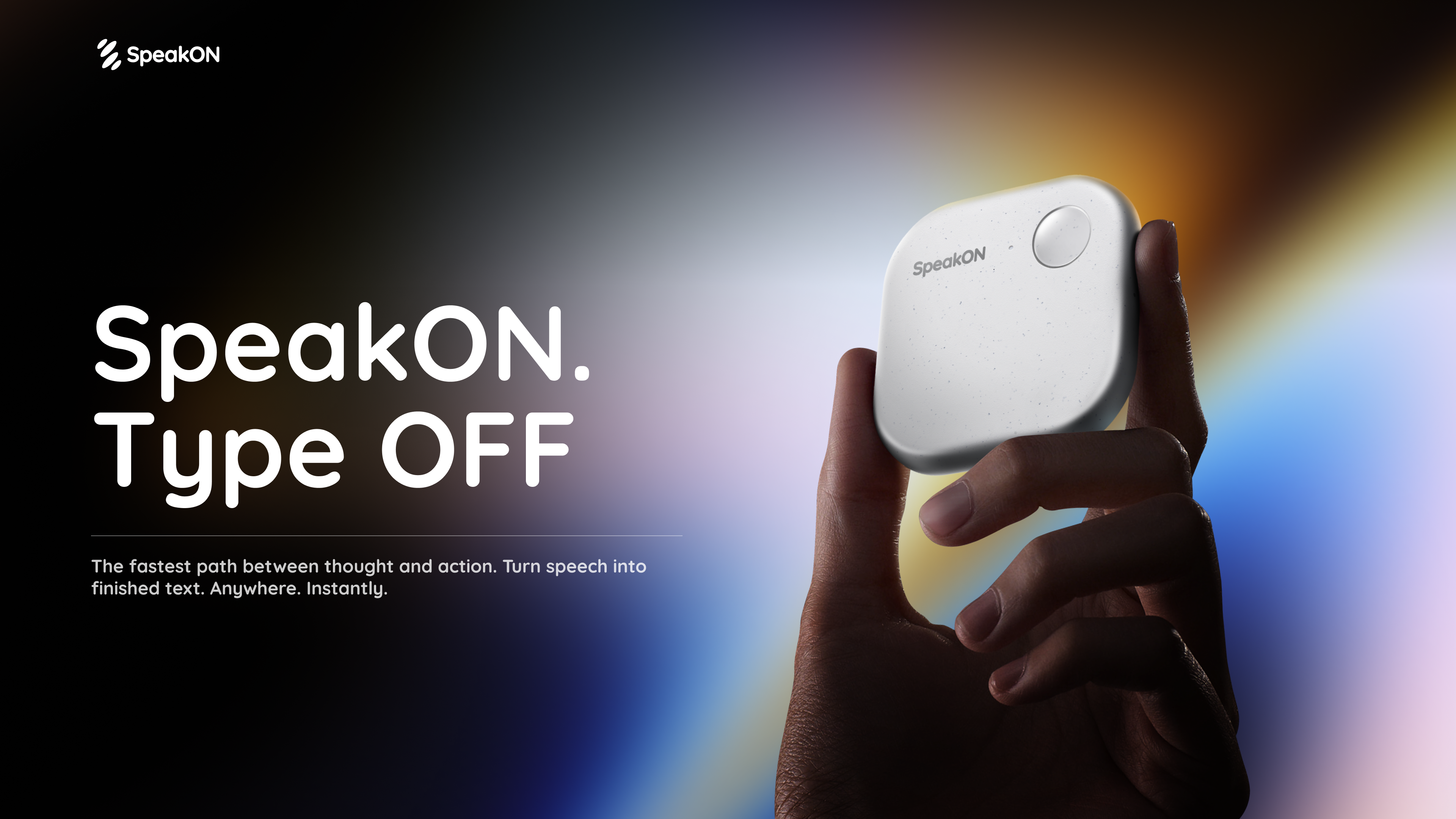
SpeakON Agent is a voice-first AI agent presented by SpeakON. Its stated purpose is to turn natural speech into real work: the user speaks naturally, the Agent understands the request, finds the right context, and prepares Actions for the user to review and confirm. The page describes it as part of a voice-first AI communicator experience, shown alongside the SpeakON device and an iPhone app download. It is designed for people who want to move from spoken intent to structured tasks and coordinated actions across connected tools rather than starting every workflow with typing. The core promise is to say what you need, review what the Agent prepares, and move it forward after approval.
The page frames the product around the idea that the next workflow does not have to start with another keystroke. The problem context is repeated typing and fragmented work: users have ideas, meeting Notes, and requests that need to become tasks, messages, calendar events, reminders, and updates across different apps. SpeakON Agent is presented as a way to turn natural speech into structured work while keeping the user in control as the Agent prepares the next steps. It can start with the current Note and use relevant details from saved Notes and connected apps, so the spoken request is not handled as isolated text but as work that can be prepared across the tools a user already uses.
A central capability is handling one request that contains multiple Actions. The page says Agent understands the people, timing, context, and different Actions inside one natural request. In the illustrated flow, a spoken request asks for a one-hour product discussion tomorrow at 10:30 a.m. in Conference Room 203, a Slack notification to #productteam, an email to Daniel from Marketing with an invite, and a reminder to review the product brief. Agent identifies four tasks, finds the right context, prepares the calendar event, Slack announcement, Gmail draft, and reminder, and then waits for review. This shows how a single natural request can become a coordinated set of prepared actions rather than separate manual steps.
Agent starts with the user's current Note and turns it into a structured Task. It can also use relevant details from saved Notes and connected apps. The page includes an example of finding related context in saved Notes, such as asking Agent to find customer feedback Notes from the past month and summarize the biggest issues. This context-finding step matters because the Agent is locating calendar availability, a room, a contact, and relevant Notes before preparing the task. The page describes this as finding context: calendar availability, the room, Daniel's contact, and the relevant Notes. That context is then used to prepare the event, announcement, invitation, and reminder that the user can review.
Connectors bring in context from the apps a user connects. The page lists Gmail, Google Drive, Calendar, Slack, Reminders, Contacts, Notion, Evernote, and Obsidian, and says more integrations are to come. These connectors allow the Agent to prepare actions that touch tools people already use for communication, scheduling, storage, and note-taking. In the illustrated workflow, Calendar provides availability, Slack receives the #productteam announcement, Gmail holds the email draft to Daniel, and Reminders stores the personal reminder. The Connectors section is explicitly about bringing context from connected apps into the Agent's work, so the Agent can prepare tasks with details that come from those sources.
You decide what happens next. The page says Agent moves things forward and checks with the user when it needs approval. The user can review the details and make changes along the way. Messages stay unsent until approved, and only the actions the user approved are completed. In the example, an email to Daniel is ready for review, and the page shows a Voice edit option before Confirm. The Agent waits for approval before sending the email. This approval step is central to the product's workflow because it keeps the user in control of what is sent and what is completed, even when multiple Actions have already been prepared.
The overall methodology is described as a six-step flow: Request, Understand, Find Context, Prepare Task, Review, and Complete. The user speaks naturally and gives Agent the full request. Agent identifies the people, timing, and every action. It finds calendar availability, the room, Daniel's contact, and the relevant Notes. It prepares the event, Slack announcement, invitation, and reminder. The user reviews the email to Daniel before Agent sends it. After the user confirms, Agent completes the approved actions. This Request-to-Complete flow is the product's described approach: natural speech goes in, structured context is gathered, Actions are prepared, and the user approves before completion.
The stated outcomes are that approved actions are completed: the meeting is scheduled, the team is notified, Daniel is invited, and the reminder is set. The page emphasizes that only approved actions are completed and that messages stay unsent until approved. For users, this means the Agent can prepare multiple parts of a workflow while the user retains final review. The page also presents the product as a way to stop typing and let spoken ideas move forward, with creator quotes about less typing and getting things done. The benefits are tied to voice-first input, context from Notes and connected apps, prepared Actions, and user approval rather than unapproved sending.
The page shows several concrete use cases. Agent In Action includes moving a launch forward by scheduling a launch check-in, inviting Maya, posting the agenda in #launch, and setting a reminder to review the rollout checklist. It includes keeping a shipment moving by finding the latest Rotterdam shipment update, summarizing the delay, drafting a customer email, notifying #operations, and setting a follow-up reminder. It includes following up after a property showing by emailing Olivia the property details, scheduling a second viewing for Saturday at 2 p.m., and reminding the user to send disclosure documents. It includes preparing a renewal response by finding the latest renewal proposal from Marcus, comparing it with a previous Note, summarizing what changed, and preparing a reply. The product discussion example and the customer feedback Notes summary example add further workflows.
The page frames SpeakON Agent for iPhone users and people who want to turn speech into work without typing every step. It is presented alongside the SpeakON device and an iPhone app download, and press coverage describes a MagSafe AI communicator and a voice-first interface. The Connectors list includes Gmail, Google Drive, Calendar, Slack, Reminders, Contacts, Notion, Evernote, and Obsidian, with more integrations to come. The page does not list detailed Agent pricing or plan tiers; it does show a Halloween Sale with 15% OFF SpeakON using code HW15, and it mentions AI Agent credits as a Creator Challenge reward. Those are the only pricing-related details present in the content.
In summary, SpeakON Agent's primary value proposition is turning natural speech into real work with an agent that understands Notes, connects tools, and prepares Actions for review and confirmation. It combines voice input, Notes-based context, connectors, multi-action preparation, and an approval step so users can move from spoken intent to completed, approved work. The page presents this as a voice-first workflow where the user says what they need, reviews what Agent prepares, and decides what happens next.
Publisher
A
admin
Launch Date2026-10-31
Platformmobile
Pricingfree