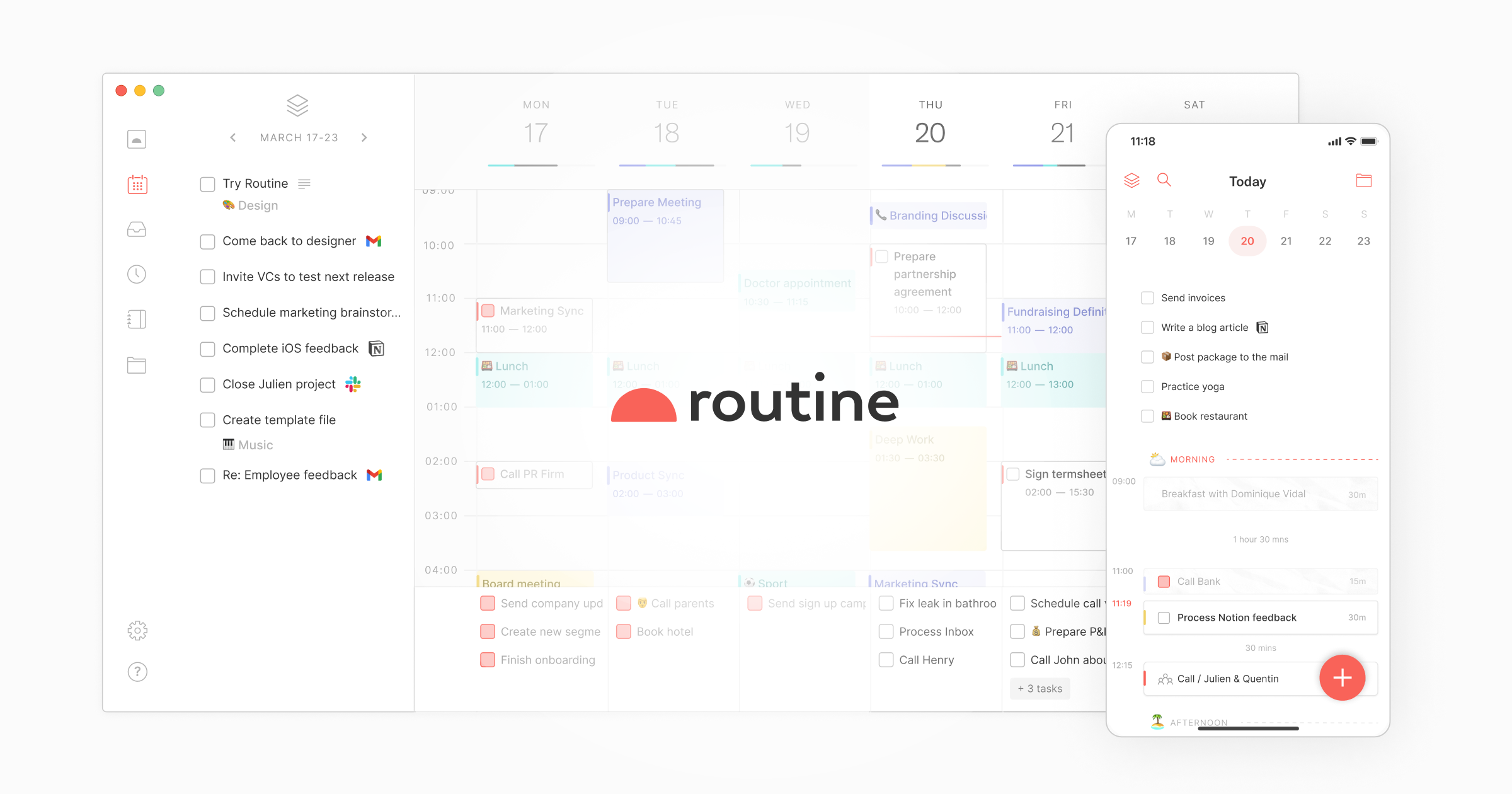
Routine is an AI-powered app that helps you manage tasks, meetings, projects, and notes in a single workspace. It connects all your apps and leverages AI for meeting notes and automations to help you get more done faster.
Routine is an AI-powered productivity application designed to consolidate all work-related activities into a unified workspace. It serves ambitious professionals and teams by integrating tasks, meetings, projects, and notes, leveraging artificial intelligence to automate processes and enhance efficiency. The core value of Routine lies in its ability to function as a central operating system, eliminating the need to constantly switch between disparate tools and ensuring that critical information and actions are seamlessly connected. By aggregating data from various applications and employing AI for intelligent assistance, it transforms chaotic workflows into streamlined, manageable systems, ultimately allowing users to focus on high-impact decisions rather than administrative overhead.
A primary pain point Routine addresses is the fragmentation of work across numerous specialized applications, which leads to constant context switching and missed details. Professionals often juggle task managers, calendar apps, note-taking tools, and communication platforms, resulting in inefficiency and the risk of tasks falling through the cracks. This fragmentation is particularly problematic for meetings, where action items discussed verbally are frequently lost or poorly tracked. Routine solves this by providing a single source of truth, centralizing notifications, tasks, and meeting outputs. This matters deeply to users because it reclaims mental bandwidth, reduces stress from tool overload, and ensures accountability by automatically capturing and converting discussions into trackable work items.
The AI Meeting Notes feature is a cornerstone capability, automatically summarizing meetings and extracting action items into tasks. It works by connecting to video conferencing platforms like Google Meet, Zoom, Microsoft Teams, Discord, and Slack, operating without a meeting bot. The AI listens to conversations, identifies key discussion points, decisions, and assigned next steps, then generates concise summaries and creates corresponding tasks within the user's workspace. This is immensely useful because it eliminates manual note-taking, ensures nothing is forgotten, and immediately integrates follow-up work into the user's task management system, bridging the gap between communication and execution.
Another major feature group is Capture and Organization, which includes Quick Capture via a desktop hotkey, contextual capture, and a Universal Inbox. Quick Capture allows users to create tasks instantly from anywhere on their computer, enriching them with relevant context to avoid later confusion. The Universal Inbox centralizes all tasks, messages, and notifications from connected apps, preventing the need to check multiple services. This feature group uses the product's own terminology like 'contextual capture' to emphasize adding metadata at creation. It solves the problem of ideas and requests getting lost in the shuffle by providing a lightning-fast input method and a unified view, drastically reducing the cognitive load of managing incoming work across different channels.
Publisher
A
admin
Launch Date2025-12-22
Platformweb
Pricingfreemium