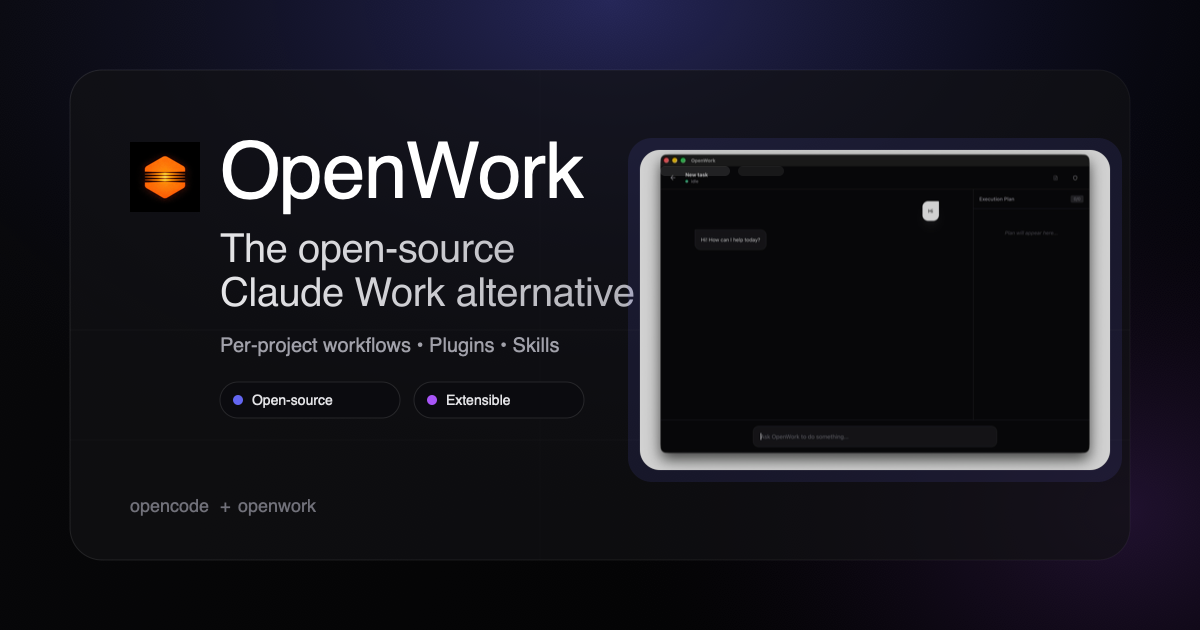
OpenWork is a free, open-source desktop application for macOS, Windows, and Linux that serves as an open-source alternative to Claude Cowork and Codex. Built on the OpenCode ecosystem, it enables users to perform agentic work on their own files with the assistance of multiple AI models. The core value lies in its extensibility: users can install skills and plugins via a built-in package manager, customizing their AI coworking environment. Designed for both individuals and teams, OpenWork emphasizes privacy and flexibility by allowing users to bring their own LLM provider keys and keep files local. This positions it as a versatile tool for anyone seeking to integrate AI into their daily workflow without vendor lock-in.
The primary pain point OpenWork addresses is the limitation of being tied to a single AI model provider, such as with Claude Cowork or other proprietary solutions. Users often face vendor lock-in, where switching models requires new tools and workflows. Additionally, privacy concerns arise when sensitive files must be uploaded to cloud servers. OpenWork solves this by supporting over 50 LLMs from providers like OpenAI, Anthropic, and Google, as well as local models. Users maintain full control over their data, as in desktop mode files stay on their machine and prompts are sent directly to the chosen LLM. This flexibility is crucial for teams that need to collaborate using different models or require strict data governance. By offering a point-and-click interface, it also removes the technical barrier, making AI accessible to non-developers.
A standout feature of OpenWork is its multi-LLM support, which enables users to connect any model that the OpenCode ecosystem supports. This includes popular providers like OpenAI, Anthropic, Google, and a wide range of local models across over 50 providers. Users simply bring their own API keys and select the desired model within the desktop app. This approach allows for cost control by choosing cheaper models for simple tasks and more powerful ones for complex work. It also fosters experimentation and flexibility, as teams can test outputs from different models side by side. The ability to switch models without changing the workflow reduces friction and empowers users to optimize performance per task. This feature is particularly valuable for developers and researchers who need to compare model capabilities or maintain fallback options.
OpenWork enables teams to build and share skills, MCP servers, plugins, and configurations through a single link. This packaging system leverages the OpenCode ecosystem, allowing users to create reusable components that encapsulate specific AI workflows. When a teammate receives the link, they can import the entire setup in one click—no terminal commands or configuration guides required. This dramatically reduces the time spent on environment setup and ensures consistency across the team. The skills can range from simple text generation tasks to complex agentic workflows that interact with local files. By standardizing these components, teams can enforce best practices and quickly onboard new members. This feature is especially beneficial for enterprises that need to deploy AI tools across many users while maintaining security and uniformity.
admin
OpenWork prioritizes data privacy by operating primarily in desktop mode, where all files remain on the user's machine. Prompts are sent directly to the chosen LLM provider without intermediary cloud storage. For users who require additional compute or hosted deployment, OpenWork offers optional cloud workers that run on sandboxed infrastructure. The app is fully cross-platform, supporting macOS, Windows, and Linux, ensuring that team members on different operating systems can collaborate seamlessly. Additionally, the Team Starter plan introduces the Extension Marketplace, which provides access to a curated library of plugins and integrations. This marketplace further extends the capabilities of OpenWork without requiring manual installation. The combination of local-first architecture and optional cloud scalability makes it suitable for both privacy-conscious individuals and large organizations with diverse infrastructure needs.
OpenWork is built on the OpenCode framework, which provides the underlying infrastructure for agentic work and model orchestration. The desktop app presents a point-and-click interface, making it accessible to users with varying levels of technical expertise. Skills and plugins are installed via a built-in package manager, drawing from the OpenCode ecosystem. Users can either create their own skills or import those shared by the community or their team. The workflow involves selecting a model, loading relevant files, and executing tasks through the app's interface. For team collaboration, configurations can be serialized into a shareable link that contains all dependencies and settings. This approach ensures that once a workflow is optimized, it can be replicated instantly across the team. The entire process is designed to minimize friction, from initial setup to day-to-day usage.
Concrete use cases for OpenWork include teams that need to standardize AI-powered code review processes. By packaging a skill that includes a specific model, prompt instructions, and configuration, the lead developer can share it via link. All team members then run the same reviewers, ensuring constant code quality. Another scenario is in data analysis, where researchers use OpenWork to query local datasets using multiple LLMs, comparing outputs to reduce bias. Enterprises handling sensitive documents can deploy OpenWork in desktop-only mode, ensuring compliance with data regulations while still benefiting from AI assistance. Non-technical teams such as marketing or support can leverage pre-made skills for content generation or summarization without needing to understand the underlying models. The outcome is faster onboarding, fewer errors, and increased productivity across roles.
OpenWork targets developers, engineering teams, and enterprises seeking a flexible, open-source alternative to proprietary AI coworking tools. It runs on macOS, Windows, and Linux, ensuring broad compatibility. The desktop app itself is free and open-source, with the Team Starter plan offering additional features like API access and the Extension Marketplace at $10 per seat per month after the first five free seats. Enterprise plans include custom pricing, SSO, and bring-your-own inference capabilities. This pricing model makes it accessible for small teams while scaling to large organizations. In summary, OpenWork provides a privacy-focused, multi-model AI workspace that empowers teams to build and share workflows effortlessly. It stands out as the premier open-source alternative to Claude Cowork, offering unmatched extensibility and control.
OpenWork is designed for developers and engineering teams who want an open-source alternative to proprietary AI coworking tools. It also targets enterprises requiring data privacy, multi-model flexibility, and SSO integration. Non-technical users such as product managers, marketers, and support staff can benefit from the point-and-click interface and pre-packaged skills. The platform is ideal for small startups looking for a free desktop app and large organizations needing scalable Team Starter or Enterprise plans. OpenWork's compatibility with macOS, Windows, and Linux ensures it fits into diverse IT environments.