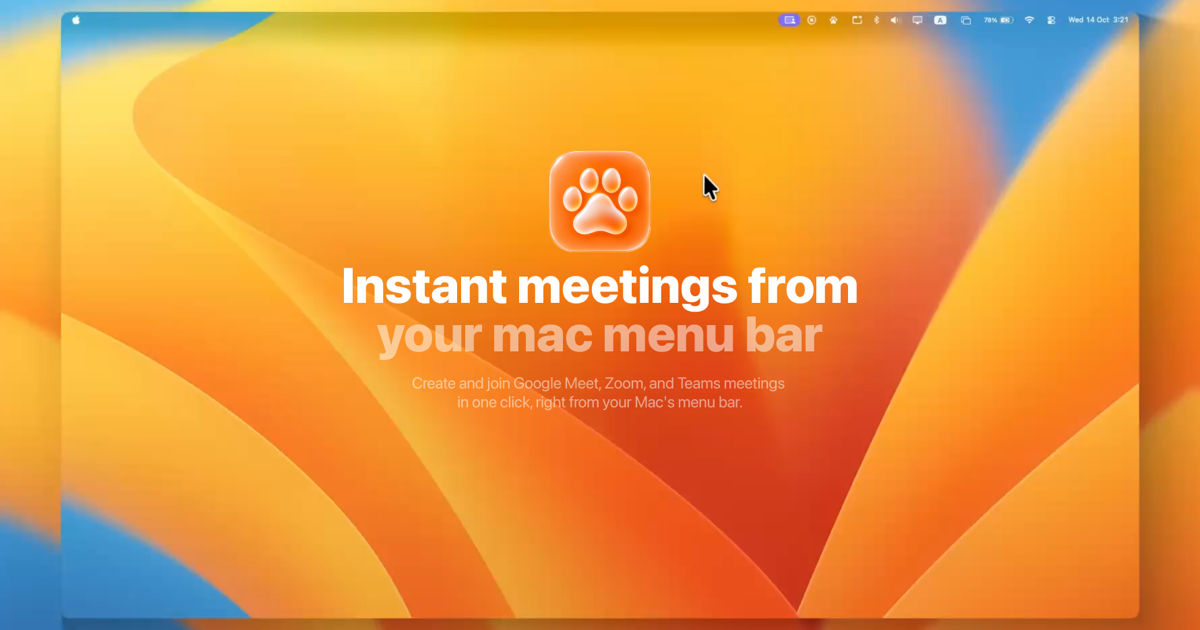
MeetPaw is a lightweight macOS menu-bar app for creating and joining meetings on Google Meet, Zoom, and Microsoft Teams. Its main purpose is to put meetings one click away: from the menu-bar paw, MeetPaw can spin up an instant meeting link with the provider you choose, copy that link to the clipboard, and launch it. The site describes the result as a link that is created, copied, and ready to share before you have switched windows. MeetPaw is aimed at Mac users who want a fast, native-feeling way to start or join calls without opening provider tabs or digging through dashboards.
Meeting links often live behind browser tabs, provider dashboards, calendar events, or chat threads. When a call is about to start, the delay of finding the right tab or generating a new link adds friction to a moment that should be simple. MeetPaw frames its value around removing that friction: no tabs, no digging, and no hunting for a meeting link. It keeps the action in the macOS menu bar, where a single click or a global shortcut can produce a shareable link. For people who move between Google Meet, Zoom, and Teams, that consistency matters because the provider changes but the need for a quick link does not.
The instant-meeting workflow is the core of MeetPaw. From one spot in the menu bar, you choose Google Meet, Zoom, or Microsoft Teams, and MeetPaw creates a meeting on the selected provider, copies the link to the clipboard, and launches it. The website says this happens before you reach for a browser tab, so the link is ready to paste into a chat, an email, or another app. MeetPaw also shows a quick paw-walk animation to indicate that it is working. This gives users immediate visual confirmation while the link is being prepared, without requiring them to open a separate dashboard.
MeetPaw also acts as a single place for upcoming meetings across accounts. The FAQ says you can connect up to five accounts per provider, and the site says MeetPaw blends Google, Zoom, and Teams accounts into one timeline sorted by time. You can filter that timeline down to any one account when you need to focus. From the list, you can join your next call with one click, and MeetPaw gives a heads-up 15 minutes before a meeting starts. The site also describes swipe gestures and right-click actions for managing entries: swipe to remove and right-click to edit. This makes the app useful not only for creating new links but also for keeping track of what is next.
Scheduling is built into the same menu-bar experience. MeetPaw lets you schedule a meeting without opening a browser. You set a title, date, time, and guests in a native sheet, pick Google Meet, Zoom, or Microsoft Teams, and MeetPaw books the event with a ready-to-join link already attached. Before booking, it performs a live conflict check across every connected calendar. If plans change, you can edit or delete the meeting with a swipe right from the menu bar. This keeps the scheduling flow compact: the meeting details, provider choice, link creation, and conflict check are handled in one place rather than spread across a browser calendar and a separate video-conferencing tool.
MeetPaw is designed to be keyboard-first. Google Meet, Zoom, and Teams each get their own hotkey: Command-Shift-M for Meet, Command-Shift-Z for Zoom, and Command-Shift-T for Teams. The site says these shortcuts work system-wide, even when MeetPaw is not focused, so you can start a meeting from your editor, your browser, or anywhere else. You can also set MeetPaw to launch at login and then forget it is running. The menu-bar paw supports two main interactions: a single click starts an instant meeting with your default provider and copies the link, while a right-click opens the drawer with upcoming meetings, scheduling, accounts, and settings. That split keeps the fastest action immediate while leaving deeper controls one right-click away.
Privacy is a stated part of the product design. MeetPaw keeps account tokens in the macOS Keychain and says they never leave your device. The app talks directly to Google, Zoom, and Microsoft, and to no one else. The site says there are no analytics, no ads, and no servers in between. You do not need to create a MeetPaw account; instead, you sign in to your own Google, Zoom, or Microsoft accounts directly. This local-first approach means the product does not add another account layer or a third-party service in the meeting-link workflow. The FAQ also notes that MeetPaw is not notarized yet, so macOS Gatekeeper shows a warning on first launch; users can right-click the app and choose Open or use System Settings, Privacy & Security, Open Anyway. That warning is described as a one-time step.
MeetPaw is free and open source under the MIT license. The site says there is no subscription, no paywall, and no upsell, and every feature stays free for everyone, forever. An optional Patreon is available for people who want to support development, but it is not required to unlock features. The source code is on GitHub, and contributions are welcome. This makes MeetPaw attractive to users who want a lightweight utility without recurring costs, and to people who value the ability to inspect or contribute to the code behind a tool they use every day.
Concrete use cases follow directly from the menu-bar design. A user can start an instant Google Meet, Zoom, or Teams call from the menu bar and paste the copied link into a chat. Someone with several provider accounts can open the blended timeline, filter to the relevant account, and join the next call with one click. A user can schedule a meeting with title, date, time, and guests without opening a browser, then rely on the live conflict check before booking. Global hotkeys let people launch a meeting from an editor or browser without switching to MeetPaw first. The 15-minute heads-up helps users notice an upcoming call, and swipe or right-click actions make it easy to remove or edit entries from the same menu-bar drawer.
MeetPaw is built for macOS users who regularly work with Google Meet, Zoom, and Microsoft Teams and want a faster, more consistent way to create or join links. It is especially relevant for people who manage multiple accounts, prefer keyboard shortcuts, schedule meetings without a browser, or care about keeping account tokens local in the macOS Keychain. The product supports Google Meet, Zoom, and Microsoft Teams, and its pricing is free. There is no MeetPaw account, no subscription, and no paywall. Users download it for Mac, place it in the menu bar, and can optionally connect up to five accounts per provider according to the FAQ.
MeetPaw's primary value proposition is simple: meetings should be one paw away. By combining instant link creation, a unified upcoming-meetings timeline, in-menu scheduling, global hotkeys, local privacy, and an open-source free model, MeetPaw reduces the steps between needing a meeting and sharing a working link. For Mac users who move among Google Meet, Zoom, and Teams, it offers a focused menu-bar utility rather than another browser tab or dashboard.
Publisher
A
admin
Launch Date2026-10-19
Platformdesktop
Pricingfree