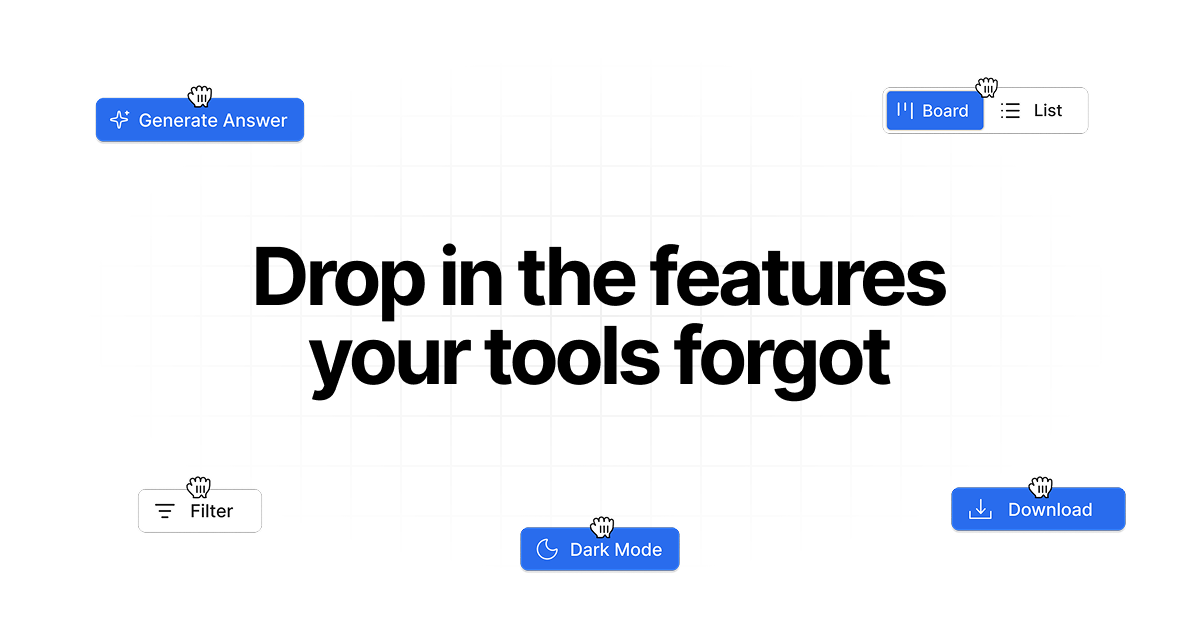
Drop in adds custom features and integrations to any web app using a Chrome extension. Describe what you need in plain English and it builds the feature directly into the page.
Drop in is a Chrome extension that adds custom Chrome extension features, smart workflows, and integrations to any web app you use in your browser. It falls squarely into the category of no-code browser customization, designed specifically for sales professionals, support agents, and productivity power users who are frustrated by missing functionality in tools like ChatGPT, HubSpot, LinkedIn, and Slack. The core value proposition is simple: you describe what you need in plain English, and Drop in builds the feature directly into the page. No source code required, no back-and-forth with IT. This makes it an ideal solution for teams that want to tailor their web apps exactly to their workflows without the overhead of custom development. The extension operates as a visual layer on top of existing apps, meaning you can turn features on or off anytime without affecting the original software.
The concrete problem Drop in solves is the endemic feature gap in popular web applications. Tools like ChatGPT, HubSpot, LinkedIn, and Slack are powerful but rarely cover every edge case a user encounters. For example, a sales rep might need to quickly check HubSpot contacts while browsing LinkedIn profiles, but no native integration exists. A support agent might want to reply with consistent messaging across chat apps but lacks a smart reply system. These missing features force repetitive work, context switching, and manual data entry. Drop in eliminates that pain by allowing users to inject custom features directly into the app interface. Instead of waiting for the product team to build something, the user simply describes what they need and it appears. This matters because it saves time, reduces frustration, and lets people focus on their actual work rather than fighting their tools. The extension respects user control: you can choose what each feature reads and changes, and revoke access per site.
One of the most powerful feature groups in Drop in is its AI-powered functionality. The Generate Answer button adds an overlay that uses artificial intelligence to craft responses directly inside your web app. For instance, in a support ticket or chat window, clicking this button produces a contextual reply that you can review and send. The Smart reply suggestions panel works similarly by offering multiple short response options based on the conversation history. These features are built using LLM technology, but they are seamlessly integrated into the interface you already use. The benefit is twofold: you respond faster with consistent, high-quality answers, and you reduce cognitive load by not having to compose every message from scratch. This is especially valuable for support teams handling high volumes of inquiries. Additionally, these AI features can be toggled on or off per site, giving users full control over when and where they appear.
Publisher
A
admin
Launch Date2026-02-16
Platformweb
Pricingfreemium
Domain Authority
Ahrefs DR8/100