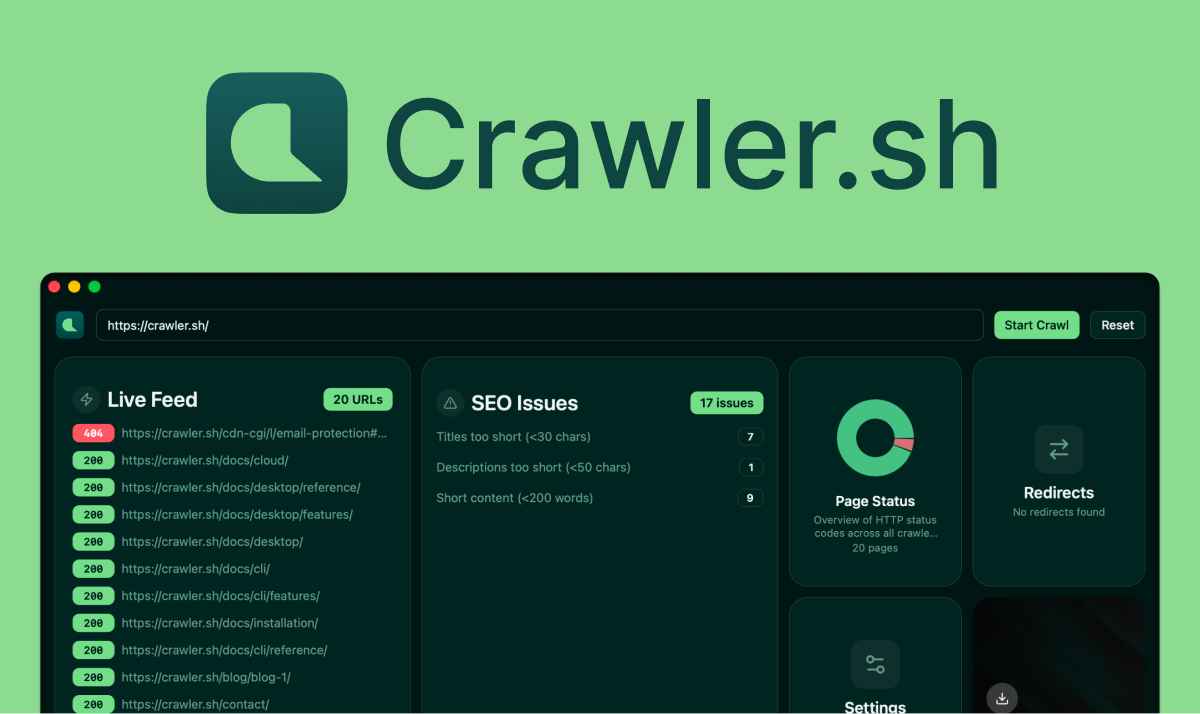
Crawler.sh is a fast, local-first web crawler and SEO analysis tool that crawls websites in seconds. It extracts clean content as Markdown and exports data to JSON, CSV, or Sitemap XML.
Crawler.sh is a fast, local-first web crawler and SEO auditor built with Rust, targeting developers, data scientists, and SEO professionals. Its core mission is to provide clean, RAG-ready Markdown from any website for AI training, fine-tuning, or agent context, all without incurring cloud costs or per-page fees. By operating entirely on the user's machine, Crawler.sh ensures privacy, speed, and full control over the scraping process. It does this with a custom JavaScript render engine that handles SPAs like React and Vue without headless Chrome, automatically respecting robots.txt directives and adapting crawling pace. This combination of features makes it a powerful yet polite tool for extracting web content at scale. The product is offered as both a CLI tool and a desktop application, with a free tier that crawls up to 50 pages per session, and Pro plans that extend limits to 10,000 pages.
Traditional web scraping often involves expensive cloud APIs, complex headless Chrome setups, or tools that ignore robots.txt and get blocked. Crawler.sh solves these problems by providing a local tool that handles JavaScript rendering without Chrome, respects robots.txt out of the box, and adapts its crawling pace automatically. It uses exponential backoff on 429 and 403 responses to avoid overwhelming servers, ensuring ethical data collection. This matters because building AI datasets requires reliable, scalable scraping without triggering bans or incurring unpredictable costs. By keeping everything local, users retain control over their data and avoid cloud vendor lock-in. The result is a smooth, cost-effective scraping experience that prioritizes both efficiency and etiquette.
The custom JavaScript render engine is a standout feature: it handles React, Vue, Next, and other single-page applications without the overhead of headless Chrome. Instead, it uses a Chrome 131 TLS fingerprint and shared cookie jar to correctly render session-walled pages, meaning content behind login walls or with dynamic state appears properly. Users can auto-detect rendering per site or force it on or off, giving flexibility for different page types. This engine is built to be lightweight and fast, enabling rapid crawling of JavaScript-heavy sites that would normally require dedicated rendering infrastructure. The benefit is clear: users can scrape modern web applications easily, without spinning up expensive headless browsers or managing complex proxies.
The SEO analysis feature runs 24 automated checks across every crawled page, detecting issues like missing titles, duplicate meta descriptions, noindex directives, thin content, broken links, long URLs, and content freshness signals. Each issue is flagged with the specific URL and can be exported as CSV or TXT for further processing. This allows developers and SEO pros to fix problems before they hurt search rankings or dataset quality. The comprehensive set of checks covers both on-page and technical SEO, making it a valuable tool for site audits. By catching these issues early, users can improve their website's health and ensure their content is properly indexed. The export options facilitate integration with existing workflows or bug tracking systems.
Publisher
A
admin
Launch Date2026-03-02
Platformdesktop
Pricingfree
Domain Authority
Ahrefs DR13/100