Timelines
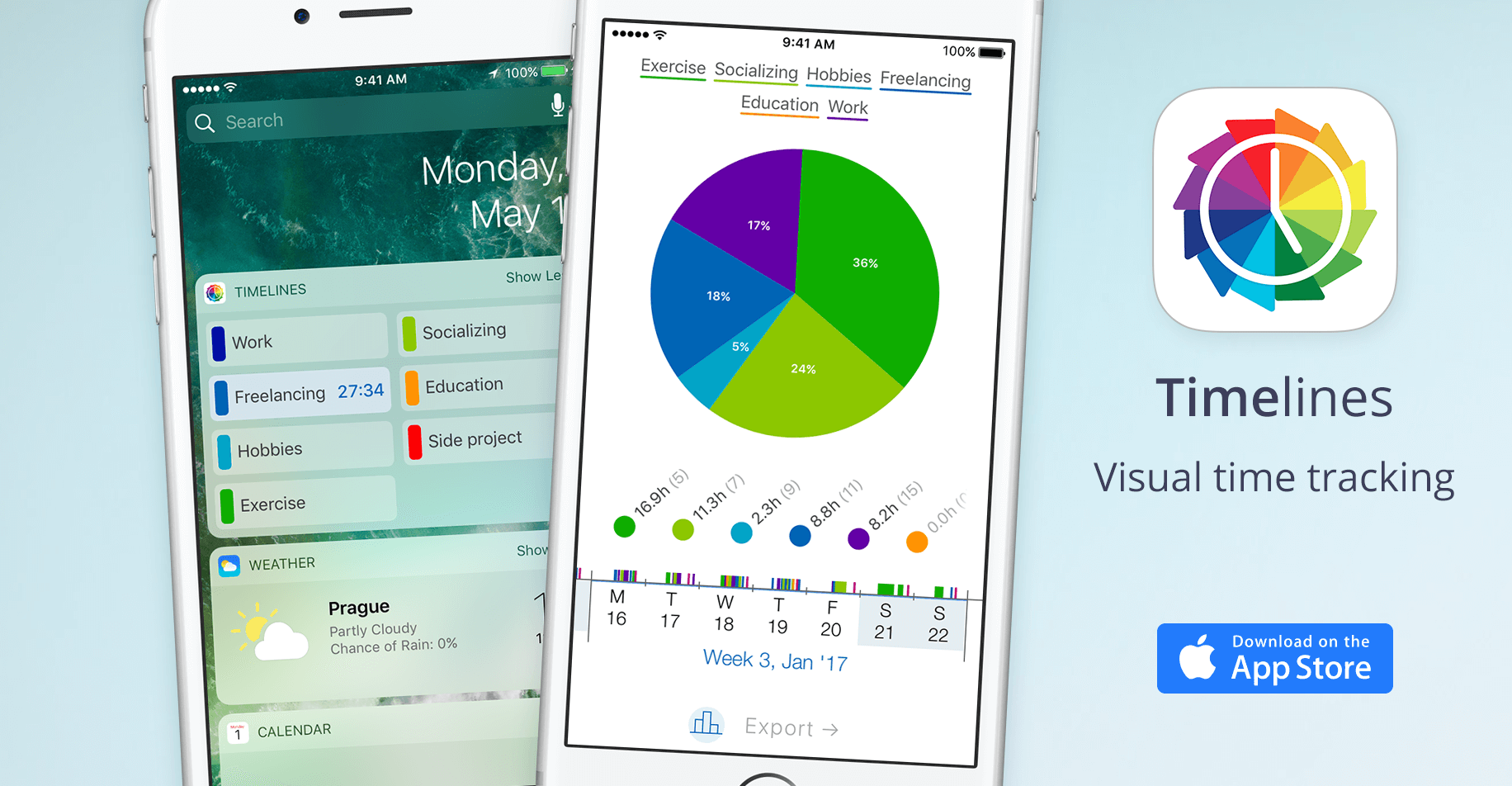
Timelines is an iPhone app that lets you track your time visually on an interactive timeline. With the clear picture of where your time is going, you'll be able to improve over time.
Timelines is a dedicated iPhone application that serves as a personal time tracking and visualization tool. It falls squarely in the productivity and self-improvement category, designed for individuals who want to understand and optimize how they allocate their most precious resource: time. The core value it offers is an unprecedented level of awareness through a visual, interactive timeline that represents your day, week, or any period you choose. By turning abstract time data into a concrete, scrollable visual story, Timelines empowers users to see patterns, spot inefficiencies, and make intentional adjustments to their daily routines. The app positions itself as a companion for anyone—from busy professionals to students or creatives—who feels their time slips away without a clear understanding of where it goes.
Many people struggle with a vague sense that they 'don't have enough time' or that their days are unproductive. The concrete problem Timelines solves is the lack of visibility into actual time usage. Without a tool that captures and presents your activities in a digestible format, it's nearly impossible to identify where your hours truly go. This pain point matters because it leads to chronic stress, guilty feelings about procrastination, and missed opportunities for meaningful work or rest. Timelines addresses this by making the invisible visible: instead of relying on memory or guesswork, users can review a precise, chronological record of their day. This clarity is the first step toward taking control, enabling informed decisions about what to change.
A key feature of Timelines is its interactive timeline interface. Unlike traditional time trackers that rely on stopwatches or lists, this app lets you build your timeline by directly tapping and dragging to mark activities. How it works is intuitive: you start a new entry by selecting a category—like 'Focused work,' 'Commute,' or 'Sleep'—and then drag the timeline knob to set the duration. The visual representation updates instantly, showing blocks of color for each activity. This feature is useful because it turns tracking into a quick, almost playful process, reducing the friction of logging. It also provides immediate visual feedback, so you can see at a glance where your morning went or how much time you spent on a specific project.
Another critical feature is the ability to review your timeline historically. The app stores all your entries, allowing you to scroll back through days or weeks. This is more than a log; it’s a visual history that reveals trends over time. You might notice, for example, that your commute consistently eats two hours of your day, or that your focused work is always interrupted by lunch. The app’s design makes it easy to compare different periods, highlighting where adjustments have led to improvements. By providing this historical perspective, Timelines transforms tracking from a chore into a source of actionable insight. Users can literally see progress as they experiment with new habits or schedules.
Publisher
A
admin
Launch Date2026-01-02
Platformmobile
Pricingfreemium