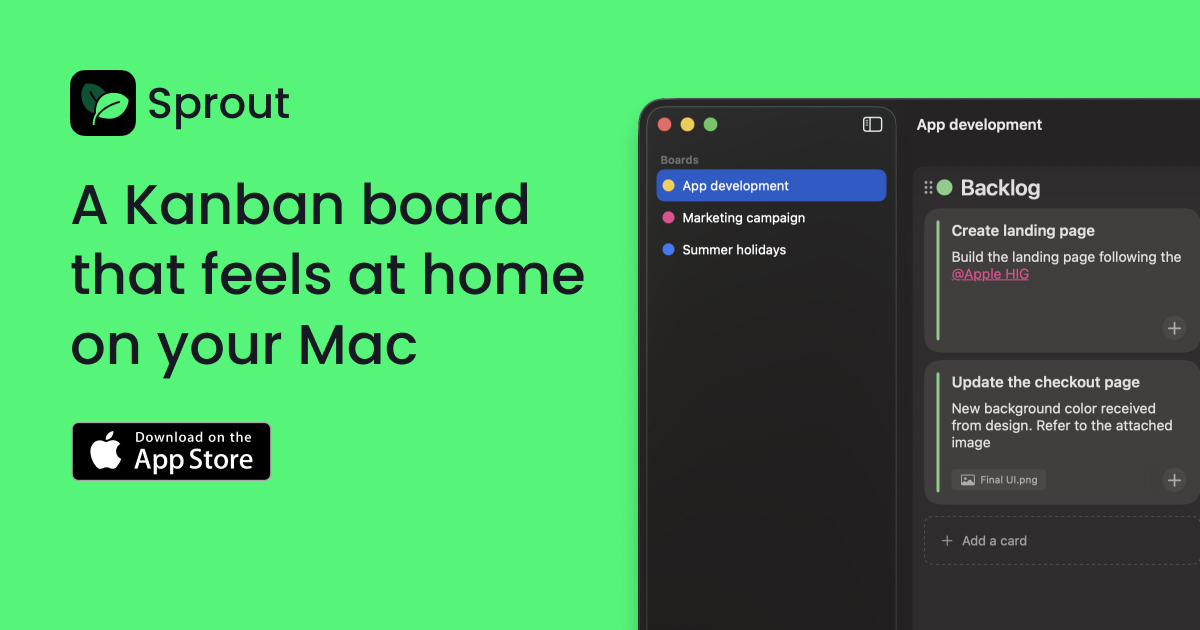
Sprout is a simple and native Kanban board designed specifically for Mac. It provides a clean workflow for organizing projects with boards, columns, and tasks.
Sprout is a native Kanban board application built exclusively for the macOS ecosystem, offering a focused tool for individuals and professionals who prioritize a clean, distraction-free workflow. It is designed for users who need to organize projects visually without the complexity of web-based platforms, providing a seamless experience that integrates directly into the Mac environment. The core value of Sprout lies in its simplicity and privacy-first approach, enabling users to manage tasks through boards, columns, and cards with an interface that feels inherently part of the operating system. This native integration ensures smooth performance and a familiar user experience, making project management intuitive and efficient for Mac users seeking a dedicated, offline-capable solution.
Many users face frustration with overcomplicated project management tools that require accounts, constant internet connectivity, and sync issues, diverting attention from actual work. Sprout directly addresses this pain point by eliminating accounts and sync drama, allowing users to focus solely on their projects. The problem of tool management overshadowing creative or productive output is particularly acute for professionals like product designers, who need to concentrate on craft rather than administrative overhead. By providing a quiet, no-noise environment, Sprout reduces cognitive load and streamlines the organization process, ensuring that the tool serves the user rather than becoming a source of distraction or technical hassle.
The first major feature group is the foundational Kanban structure of boards, columns, and tasks, which enables natural work organization. Users can create multiple boards for different projects, populate columns with tasks, and move tasks fluidly between columns to reflect progress. This system works by leveraging a drag-and-drop interface that mimics physical Kanban boards, making it easy to visualize workflows and adjust priorities on the fly. The benefit is a flexible, user-defined flow that adapts to various project management styles, whether for personal tasks, team collaborations, or creative projects, all while maintaining a straightforward, uncluttered approach that enhances productivity.
A second key feature is the clean and simple native design, which prioritizes a smooth, aesthetically pleasing interface that lets tasks take center stage. The design is optimized for macOS, ensuring consistency with system conventions and providing a seamless user experience that feels integrated rather than foreign. This native look reduces learning curves and minimizes visual noise, allowing users to focus on content rather than navigating complex menus or customizations. The benefit is an environment where the tool itself recedes into the background, enabling uninterrupted focus on moving projects forward, which is especially valuable for users who value minimalism and efficiency in their digital tools.
Publisher
A
admin
Launch Date2025-12-22
Platformdesktop
Pricingfreemium
Tech Stack
#CoreData#iCloud