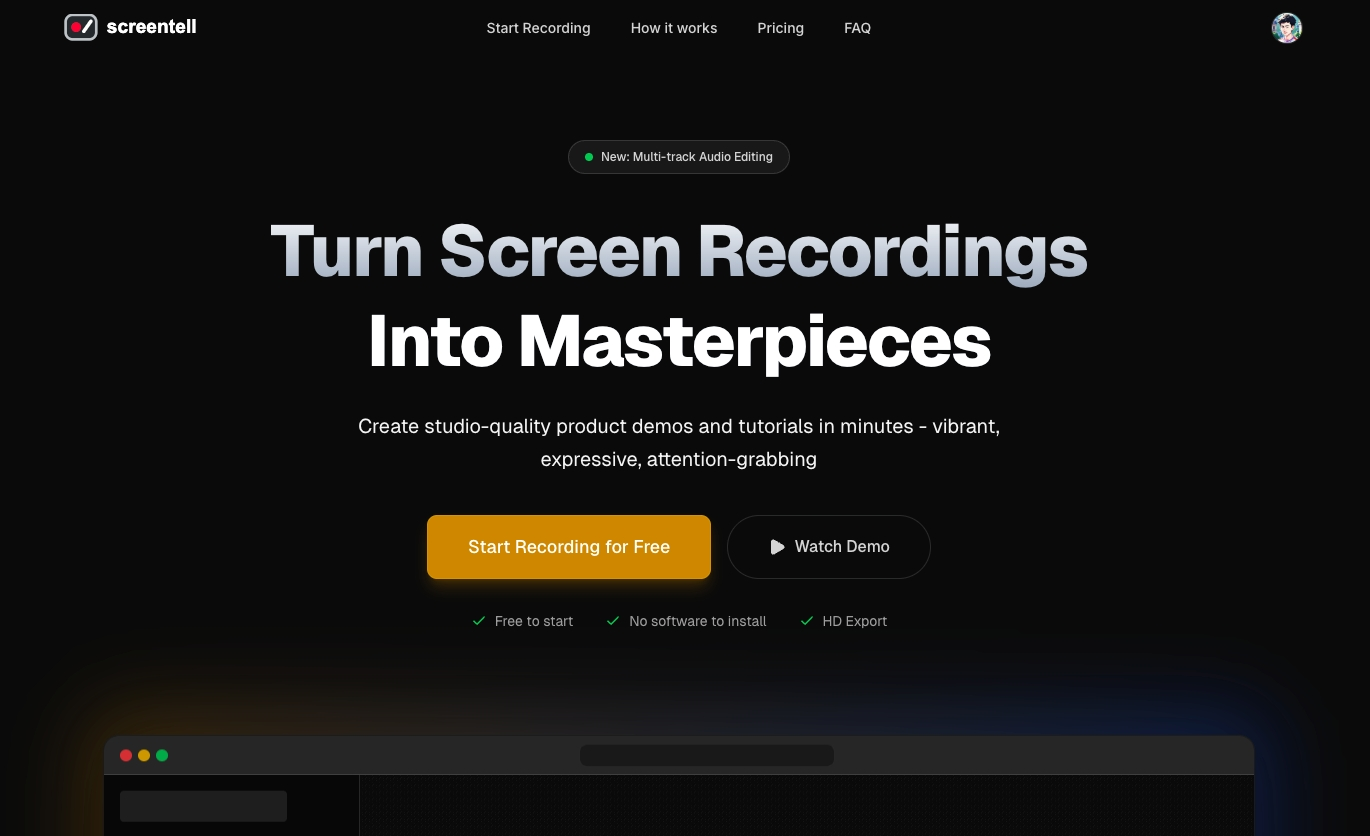
Screentell is a screen recorder and video editor for creating product demos and tutorials. It turns plain screen recordings into studio-quality videos with cinematic 3D effects.
Screentell is a browser-based screen recorder and video editor specifically designed for creating product demos and tutorials. It belongs to the category of online video creation tools and targets content creators, marketers, and educators who need professional-looking videos without complex desktop software. Its core value is transforming ordinary screen captures into engaging, studio-quality content through cinematic 3D transforms, all within a web browser. The tool eliminates the traditional barrier of installing heavy applications, offering a seamless workflow from recording to export. Users can quickly produce high-definition videos that capture attention and effectively communicate their message, making it an essential asset for modern digital storytelling.
The primary problem Screentell solves is the flat, uninspiring nature of standard screen recordings. Most screen captures lack visual appeal, making it difficult to hold viewer interest or convey the importance of specific actions. By adding smooth camera movements, perspective changes, and depth, the tool turns monotone walkthroughs into cinematic experiences. This matters because in a crowded digital landscape, videos that stand out are more likely to retain audiences, increase comprehension, and drive conversions. For product teams and educators, effectively communicating complex workflows or features is crucial, and Screentell provides the polish needed to make those messages memorable and impactful.
A standout feature group is the Cinematic 3D Effects combined with Focus Zoom. Screentell users can apply 3D transforms that control perspective, rotation, and motion, effectively breaking the flat screen and adding depth to recordings. The Focus Zoom allows smooth zooms and pans that guide the viewer’s eye exactly where it needs to go. These features work together to create professional camera movements reminiscent of high-end video production. The benefit is that even a simple screen capture becomes dynamic and engaging, helping to highlight key interface elements or interactions without jarring cuts. This capability is often called the 'secret sauce' that differentiates Screentell from basic screen recorders.
Another essential feature group is Stickers & Annotations, which provides highly flexible visual cues. Users can add customizable arrows, bubbles, and shapes with full control over colors, borders, and roundness. The tool also supports hand-drawn style shapes, text annotations, and lines, giving a personal, organic feel to indicators. Additionally, users can upload their own images as stickers, allowing for brand-specific overlays. The purpose is to communicate visually and point out what matters most in the video. This richness in annotation tools ensures that complex instructions can be broken down into understandable visual steps, enhancing learning and reducing misinterpretation during tutorials or demos.
Publisher
A
admin
Launch Date2026-01-26
Platformweb
Pricingfreemium
Tech Stack
#Web APIs#three.js
Domain Authority
Ahrefs DR48/100