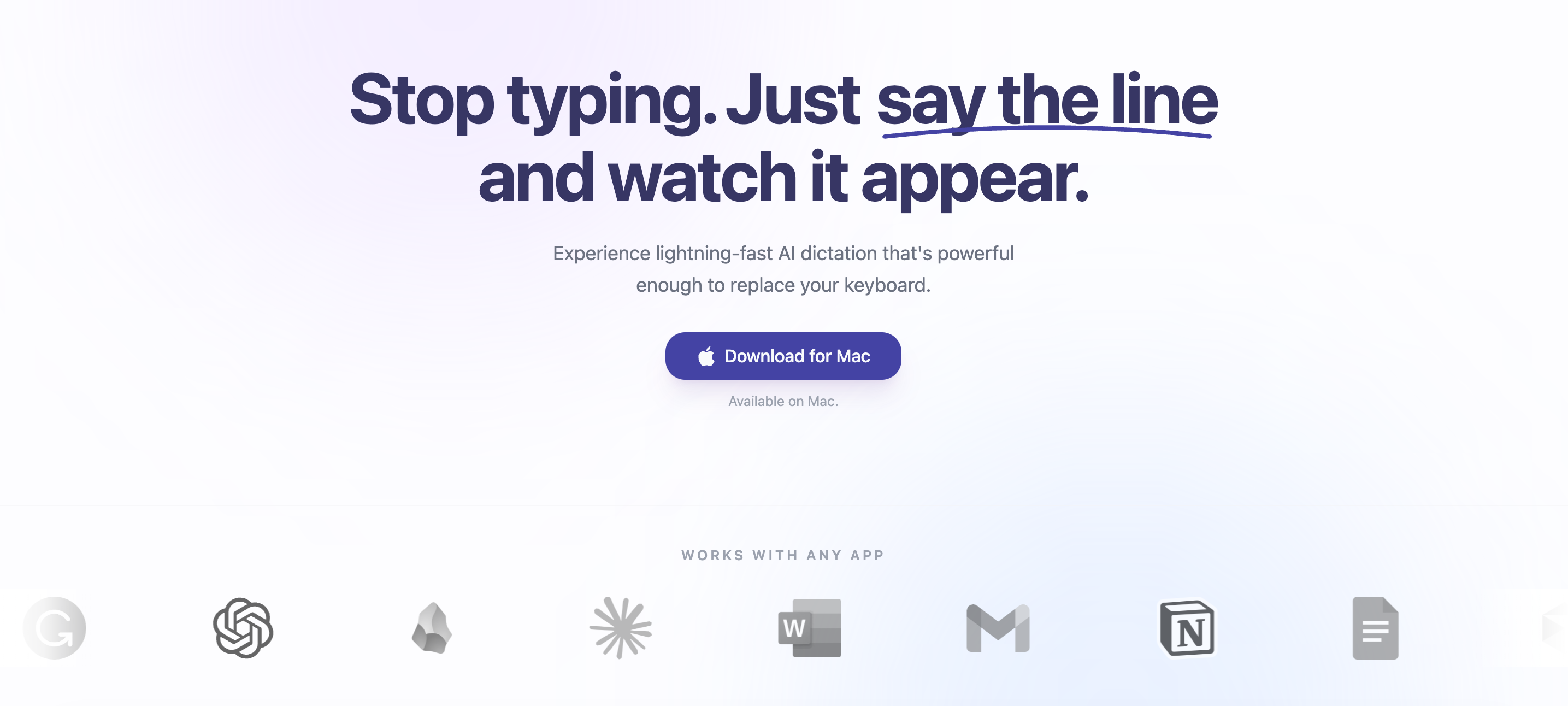
Sayline is a native macOS voice typing tool that delivers private, local AI dictation directly into any text field. Running entirely on-device with NVIDIA Parakeet and MLX technology, it achieves lightning-fast transcription that keeps pace with natural speech. Built for professionals who spend hours typing emails, messages, and documents, Sayline replaces the traditional keyboard with a hands-free interface. Its core promise is to make typing obsolete by enabling users to create at the speed of thought, claiming a 4x increase in speed compared to manual typing. The tool integrates seamlessly with every application on the Mac, from email clients to project management tools, ensuring that voice input becomes a universal input method. This eliminates the mental bottleneck of translating thoughts into keystrokes, allowing ideas to flow directly from mind to screen, making it an indispensable tool for knowledge workers and creators who value efficiency.
The primary pain point that Sayline addresses is the inherent slowness and manual nature of typing. In a typical workday, professionals must constantly switch between applications like Slack, Gmail, WhatsApp, and Notion to type quick updates, follow-ups, and responses. Each keystroke represents a delay between thought and output, breaking the flow of creativity and productivity. Sayline eliminates this bottleneck by allowing users to dictate messages at natural speaking speed, achieving up to 4x faster input. This matters because time spent typing is time not spent thinking, and the friction of switching contexts while typing drains energy. By replacing manual typing with voice, users can maintain their train of thought and complete tasks in a fraction of the time, reducing frustration and improving overall output quality.
Sayline's first major feature group revolves around its simple three-step workflow, starting with a global hotkey. Users can assign a custom keyboard shortcut that instantly activates the dictation mode, regardless of which application is currently in focus. This hotkey approach is designed for minimal disruption: a single press triggers a listening state, and the user speaks naturally without any additional clicks or menu selections. The benefit is immediate access to voice input without leaving the current app or workflow. This contrasts with traditional dictation tools that require opening a separate window or manual copy-paste. Instead, Sayline operates invisibly in the background, ready to capture speech whenever needed. This feature is particularly useful for quick replies, note-taking, and composing longer texts where constant switching would break concentration.
admin
The second major feature group is Sayline's uncompromising focus on privacy through fully local, on-device processing. The application requires no internet connection, as all AI transcription happens using the Mac's own hardware via NVIDIA Parakeet and MLX framework. Audio data never leaves the device, and no recordings are stored externally; the company explicitly states zero data collection and bank-grade privacy. This is a critical differentiator for users handling sensitive information such as legal documents, medical records, or corporate communications. Unlike cloud-based dictation services that send voice data to remote servers, Sayline ensures that secrets stay secret. The benefit is peace of mind: users can dictate private conversations, passwords, or confidential content without fear of data breaches or unauthorized access. This local architecture also guarantees low latency and availability even in offline environments.
Sayline's third standout feature is its universal compatibility with virtually every macOS application. The website displays logos of 23 popular apps including Canva, Google One, Grammarly, ChatGPT, Obsidian, Claude, Microsoft Word, Gmail, Notion, Google Docs, Cursor, Linear, Microsoft 365, Outlook, LinkedIn, Todoist, Google, Slack, Zoom, Discord, WhatsApp, Telegram, and Superhuman. This broad support means that users never need to install separate plugins or adapt their workflow; Sayline simply inserts transcribed text into whichever text field is currently active. For developers using Cursor, project managers in Linear, or writers in Obsidian, the experience is identical. The advantage is that voice input becomes a system-wide capability rather than an app-specific feature. This eliminates the friction of switching between different dictation tools for different apps and ensures consistent accuracy everywhere.
The overall workflow of Sayline is elegantly simple: press a hotkey, speak naturally, and perfect text appears. This three-step process is designed to be intuitive and requires no learning curve. Upon pressing the hotkey, a visual indicator shows that the app is listening. The user speaks in normal conversational tone, and Sayline's on-device AI instantly transcribes the speech into text, inserting it at the cursor position in the active text field. The transcription appears with superhuman accuracy (as promised in the Individual plan), and punctuation is automatically handled. The entire interaction is hands-free once the hotkey is pressed, allowing users to keep their eyes on the screen. This workflow mirrors the natural act of thinking out loud, but with the result being perfectly formatted text. The approach eliminates the need to type, correct typos, or manually format responses, streamlining communication.
Concrete use cases for Sayline span across professional and personal communication. For example, a project manager can quickly dictate updates in Slack, respond to emails in Gmail or Outlook, and enter action items in Linear or Todoist — all without touching the keyboard. A writer can compose blog posts directly in Notion or Google Docs, while a developer can draft code comments or documentation in Cursor. Another scenario involves composing prompts for AI tools like ChatGPT or Claude, where voice input allows for more natural and lengthy instructions. The outcome is a dramatic reduction in the time spent on text-based tasks, enabling users to focus on higher-level thinking. Daily productivity gains accumulate, with users reporting that they can complete routine messaging and documentation in a fraction of the usual time, reducing typing fatigue and repetitive strain injuries.
Sayline is designed for both individuals and small businesses, with lifetime pricing that eliminates recurring subscription fees. The Individual plan costs $24.99 for a lifetime license, including unlimited dictation, superhuman accuracy, priority support, and lifetime updates. The Business plan costs $49.99 for three seats, with additional users at $9.99 each, plus a team onboarding guide and centralized license key. A free 14-day trial is available with a 15,000-word limit to test the standard accuracy. Currently available on macOS, with Windows and iOS versions coming soon. The target audience includes knowledge workers, executives, developers, writers, and anyone who types frequently throughout the day. Sayline's primary value is restoring the speed of thought to text creation, making it the most productive way to type in 2026.
Sayline targets knowledge workers who spend a significant portion of their day typing – including software developers, project managers, executives, writers, customer support agents, and academics. It is also ideal for individuals with repetitive strain injuries or those seeking to reduce typing strain. Small business owners who handle their own correspondence and documentation will benefit from the lifetime license pricing. The privacy-focused design appeals to professionals in legal, medical, and finance sectors who handle sensitive data. Additionally, power users of productivity tools like Notion, Obsidian, Slack, and Gmail will find Sayline seamlessly integrates into their existing workflows. Mac users specifically are the current audience, with Windows and iOS users as upcoming segments.