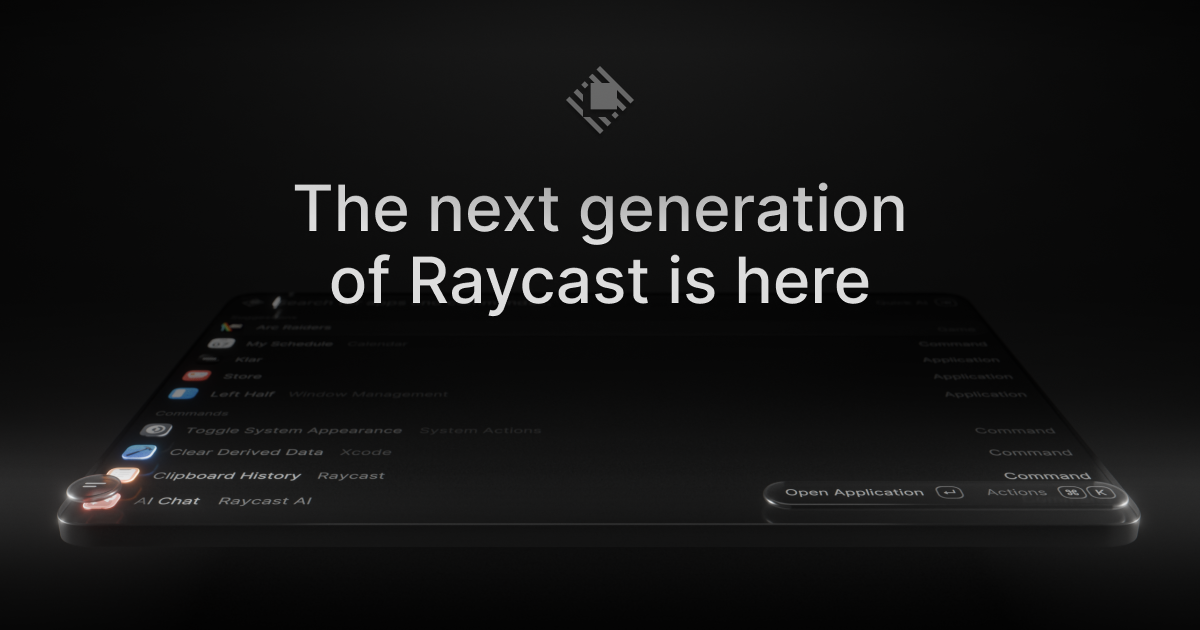
Raycast 2.0 is the next generation of Raycast, the macOS launcher that acts as a single shortcut to everything you do on your Mac. This release is built on a new foundation and redesigned from the inside out, with a refreshed interface that feels right at home on macOS Tahoe. It is made for people who work from the keyboard: it brings AI that can take action across your apps, Automations for recurring tasks, and Projects to keep ongoing work together, alongside the commands and extensions you already use every day. Raycast 2.0 replaces Raycast V1 on installation, and existing users can import their existing setup during onboarding so everything feels familiar.
Raycast 2.0 is described as a major update rather than a small point release. On installation, the new Raycast replaces Raycast V1; there are just a handful of missing features, and these will be added soon. The team notes that users should expect frequent updates and occasional rough edges, which signals the product is being shipped and improved continuously. The reason for the rebuild is the scope of what has been added on top of a launcher: an AI experience that can take action across your apps, Automations for recurring tasks, and Projects that keep ongoing work together. Delivering that on top of the original foundation required building a new one, which is why the release is described as redesigned from the inside out and as the launcher, relaunched.
The most visible change is the AI experience. Quick AI lives in the same Tab as your existing search, so you do not have to learn a new place to type — it simply brings more power from the surface you already use. AI Chat brings skills, agents, and memory together in one place, so longer-running work can build on what came before instead of starting from zero each time. Raycast 2.0 also brings AI that can take action across your apps, and you can connect your own ChatGPT or Claude account, which means the assistant works alongside the commands and extensions you use every day rather than in a separate tool. Built-in dictation lets you type with your voice, covering the moments when speaking is faster or more practical than using the keyboard.
Navigation and search received attention too. File Search now sits in root, described simply as one less step to find your files, while file search itself is faster. Quicklinks and snippets tagging are listed among what is new, and hotkey handling has been improved. Settings have been reorganized so configuration is easier to find, and you can configure inline: hotkeys and aliases can be assigned directly from root search, so a command can be set up the moment you find it. The overall look and feel has been updated to feel right at home on macOS Tahoe, so the launcher matches the operating system it runs on.
Beyond the interface, Raycast 2.0 adds two organizing concepts: Automations for recurring tasks and Projects to keep ongoing work together. Automations address the work you repeat — instead of walking through the same steps by hand, the recurring task is handled by Raycast. Projects give ongoing work a home so related items stay together rather than being scattered across your setup. The extension story carries over as well: custom extensions continue to work, and for extensions that do not import automatically you can run npx @raycast/api@latest dev, with the dev command described as clever enough to pick up the new version if it is running. Commands and extensions remain the everyday surface that AI works alongside.
Getting started with Raycast 2.0 follows a defined path. You download the build for macOS — version 2.3.1.0 is referenced on the site — and macOS Tahoe and Apple Silicon are required. Raycast v2 is built for macOS Tahoe; if you are still on Sequoia or earlier, you need to upgrade macOS before installing v2. To ensure a seamless onboarding experience, Raycast asks you to install the latest version of Raycast v1, or at least v1.104.16. During onboarding you are prompted to import or migrate your data from Raycast v1. If you skip that step or want to rerun it, you can do it manually with one of two commands: Migrate from Raycast v1, which automatically migrates your data from v1, or Import Settings and Data, a manual import from a .rayconfig file that you must export from Raycast v1.
The recommended migration approach also protects your habits. Migrate from Raycast v1 imports settings and migrates all of your shortcuts to Raycast 2.0 while disabling them from working in Raycast v1, which ensures your hotkeys do not conflict. Raycast notes this is the recommended approach because there is some extra data that is not imported with the manual import — this includes Clipboard History, Wrapped and the Emoji picker. The outcome is that you keep a familiar setup while gaining the new capabilities: AI in the same surface as your commands, voice dictation, faster file search, Automations for repeated work, and Projects that keep related work together. Because the update replaces V1 on installation, the transition is a single step rather than running two launchers side by side.
Concrete workflows follow the same shape. A developer can keep using Raycast to run commands and custom extensions, and can hand recurring steps to Automations. Someone who works across several apps can use AI that takes action across those apps and connect their own ChatGPT or Claude account so the assistant sits next to the commands and extensions they already use. When files need to be found, File Search in root removes a step and faster file search shortens the wait. When typing is impractical, built-in dictation turns speech into text. Ongoing efforts, rather than one-off tasks, can be grouped into Projects, while quicklinks and snippets tagging cover the links and text that get pasted again and again.
Raycast 2.0 is built for macOS users who want a keyboard-first way to work: Product Hunt classifies it under Mac, Productivity and Developer Tools, and the site's own navigation points developers to an API, a manual, a browser extension and a dedicated Developers area. The release requires macOS Tahoe and Apple Silicon and is installed as an app on the Mac. Integrations explicitly mentioned include connecting your own ChatGPT or Claude account and the extension ecosystem, including custom extensions built with the Raycast API and the npx @raycast/api@latest dev command. On the commercial side, the site links to Pro, Teams, Enterprise and Pricing pages, which indicates offerings for both individuals and organizations, although no specific prices are stated on this page.
Taken together, Raycast 2.0 is a rethink of an everyday Mac launcher rather than a feature patch. It keeps the launcher at the center — commands, extensions, search and shortcuts — and layers on AI that can take action across your apps, Automations for recurring tasks, Projects for ongoing work, and built-in dictation, all wrapped in an interface redesigned for macOS Tahoe. The goal is stated plainly by the product itself: your shortcut to everything, now with AI put to work alongside the commands and extensions you use every day.
Publisher
A
admin
Launch Date2026-09-12
Platformdesktop
Pricingfreemium
Tech Stack
#macOS Tahoe#Apple Silicon
Traffic Insights
Month2026-09
Estimated Visits79.1K
MoM Visits GrowthN/A
Avg Time on Site-
MoM Time GrowthN/A