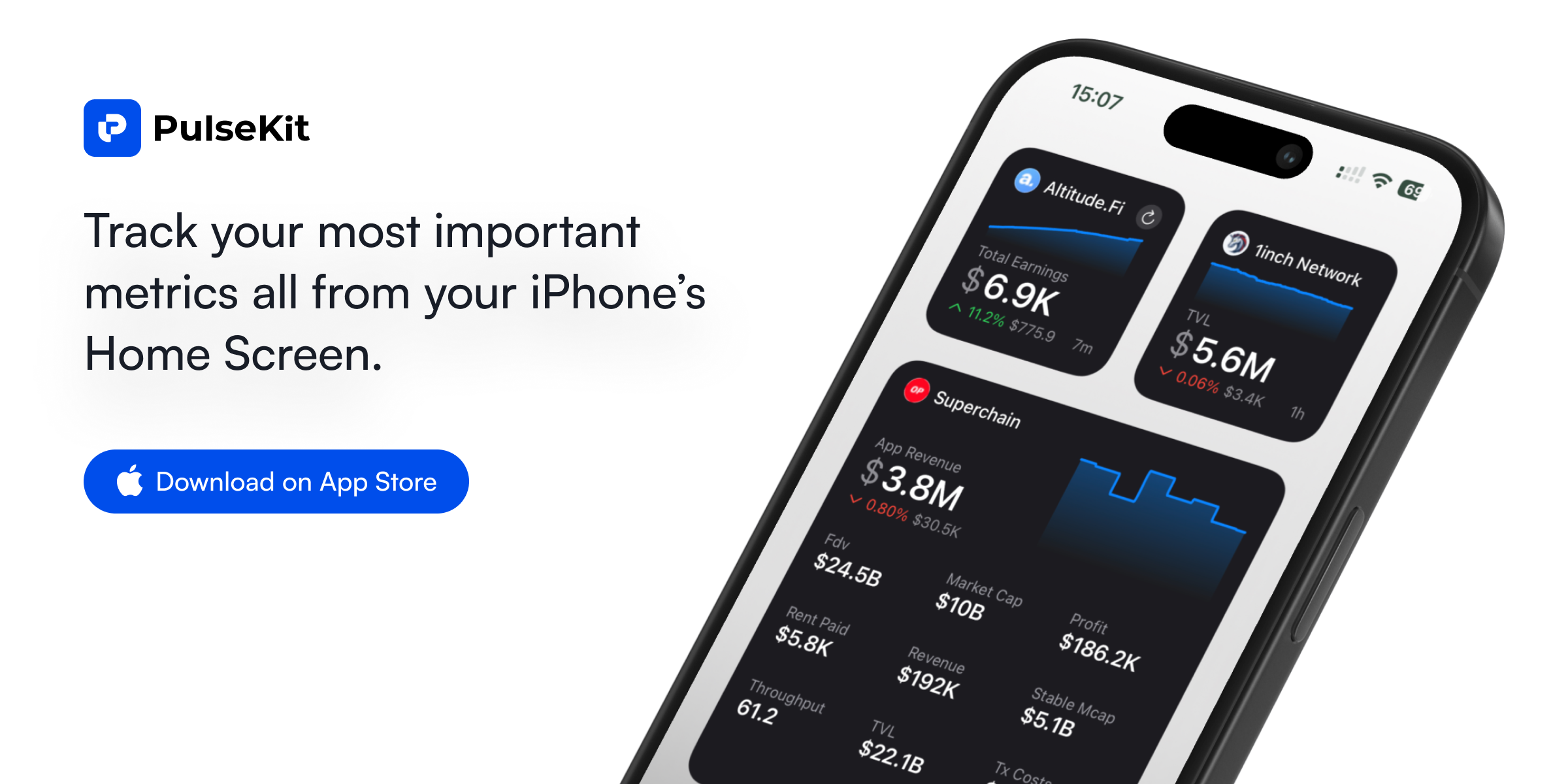
PulseKit is a powerful iOS widget app that transforms your most important business metrics into glanceable widgets across the entire Apple ecosystem. Designed for entrepreneurs, product managers, and data-driven professionals, PulseKit enables you to monitor key performance indicators like revenue, monthly recurring revenue (MRR), total value locked (TVL), and custom KPIs directly from your iPhone Home Screen, Lock Screen, or even while your device is in StandBy mode. Its core value lies in providing instant visibility into your business health without needing to open any app, making it an indispensable tool for staying on top of your numbers throughout the day. By bringing your metrics to the forefront, PulseKit ensures you never miss a critical update or trend.
The fundamental pain point PulseKit addresses is the friction of constantly checking multiple dashboards and apps to track business metrics. Traditionally, founders and managers must navigate through various analytics platforms, open browser tabs, or refresh reports to see if revenue targets are met or if KPIs are declining. This process is time-consuming and disrupts workflow, especially for those who need real-time awareness of their business performance. PulseKit eliminates this by placing your most vital numbers directly on the surfaces you look at most: your phone's lock screen, home screen, or even your wrist. This immediate access means you can spot a sudden spike in sales, a drop in app downloads, or a shift in user engagement at a glance, allowing for faster response times and more informed decisions without breaking your concentration.
A standout feature of PulseKit is the ability to "pick the size that works for you." The app offers multiple widget sizes—small, medium, and large—each displaying varying amounts of information to suit your needs and available screen space. A small widget might show a single metric like current revenue with an arrow indicating trend, while a medium widget can present a few key numbers like MRR and active users side by side. Large widgets can accommodate a more comprehensive view, possibly including a chart or multiple KPIs. This flexibility allows users to design their Home Screen with the exact information density they require, ensuring that critical data is visible without cluttering their display. The choice of size directly impacts how much context you get at a glance, balancing detail with simplicity.
PulseKit works seamlessly across the entire Apple product line, extending its utility beyond the iPhone. It functions on iPad, Mac, and Apple Watch, providing a consistent, unified view of your metrics wherever you work. On iPad, you can place larger widgets on the Home Screen or Today View, taking advantage of the bigger display to monitor more data simultaneously. On Mac, widgets live in the Notification Center or on the desktop, allowing you to keep an eye on business health while using your computer. The Apple Watch integration, described as "stack it on your watch," brings metrics to your wrist via complications, making them accessible even during quick glances. This cross-device compatibility ensures that your key numbers are always within reach, whether you're in a meeting, at your desk, or on the go.
admin
PulseKit works with dozens of integrations, pulling data directly from your favorite business tools and platforms. The app explicitly supports integrations such as App Store Connect for tracking app revenue and downloads, Google Analytics for website traffic, Stripe for payment processing, and LinkedIn for social media metrics. Additionally, it connects with DeFiLlama for decentralized finance TVL data, YouTube for channel performance, and Product Hunt for product launch analytics. Other integrations include CJ, Octave, OpenAI, Steam, Supabase, and Google Sheets, allowing users to create custom metrics from spreadsheet data. With support for Lambda, users can bring in virtually any custom metric via serverless functions. This extensive library means you can aggregate data from across your business into one unified widget interface, eliminating the need to toggle between multiple apps to get a holistic view.
The overall workflow of PulseKit is designed to be effortless, as emphasized by the tagline "Effortlessly Create Widgets." Users start by selecting a data source from the list of supported integrations, then choose the specific metric they want to display, such as total revenue or daily active users. Next, they select a widget size—small, medium, or large—and customize the appearance, perhaps including a label or color scheme. The widget is then placed on the desired device surface: iPhone Home Screen, Lock Screen, iPad, Mac, or Apple Watch. Behind the scenes, PulseKit periodically refreshes the data from the source, ensuring the displayed numbers are current. This streamlined process means that connecting your business data to a glanceable interface takes only a few taps, making it accessible even for non-technical users.
PulseKit serves a variety of concrete use cases. A SaaS founder can monitor MRR and churn rate from Stripe directly on their iPhone Lock Screen, catching any anomalies before they escalate. A mobile app developer can track daily downloads and revenue from App Store Connect via a Home Screen widget, enabling quick assessment of a new feature's impact. A marketing manager can watch Google Analytics traffic trends from an iPad widget during meetings, presenting live data without switching windows. A DeFi analyst can keep an eye on TVL from DeFiLlama via an Apple Watch complication, staying updated even while exercising. The outcome is consistent: users gain a constant, low-effort awareness of their business health, leading to faster reaction times, reduced app-switching, and increased focus on strategic tasks rather than data retrieval.
PulseKit is specifically built for Apple device users who need real-time access to business metrics—entrepreneurs, product managers, marketers, analysts, and developers. The app runs on iOS, iPadOS, macOS, and watchOS, leveraging native widget frameworks for optimal performance. While the website does not explicitly mention pricing, the call-to-action invites users to "Talk to us" for specific integration requests, suggesting a customizable solution. Some integrations might require a subscription; however, the core widget creation appears free. In summary, PulseKit transforms the way you interact with your business data by placing it on the surfaces you naturally look at. Whether you're checking revenue on your watch or MRR on your Mac, PulseKit ensures your most important numbers are always front and center, empowering you to make data-driven decisions with unprecedented ease.
Entrepreneurs, founders, product managers, marketers, analysts, developers, and data-driven professionals who rely on Apple devices (iPhone, iPad, Mac, Apple Watch) and need at-a-glance access to business metrics such as revenue, MRR, KPIs, and analytics from various sources like Stripe, Google Analytics, App Store Connect, and more. This tool is ideal for anyone who wants to reduce app-switching and stay informed throughout the day without interrupting their workflow.