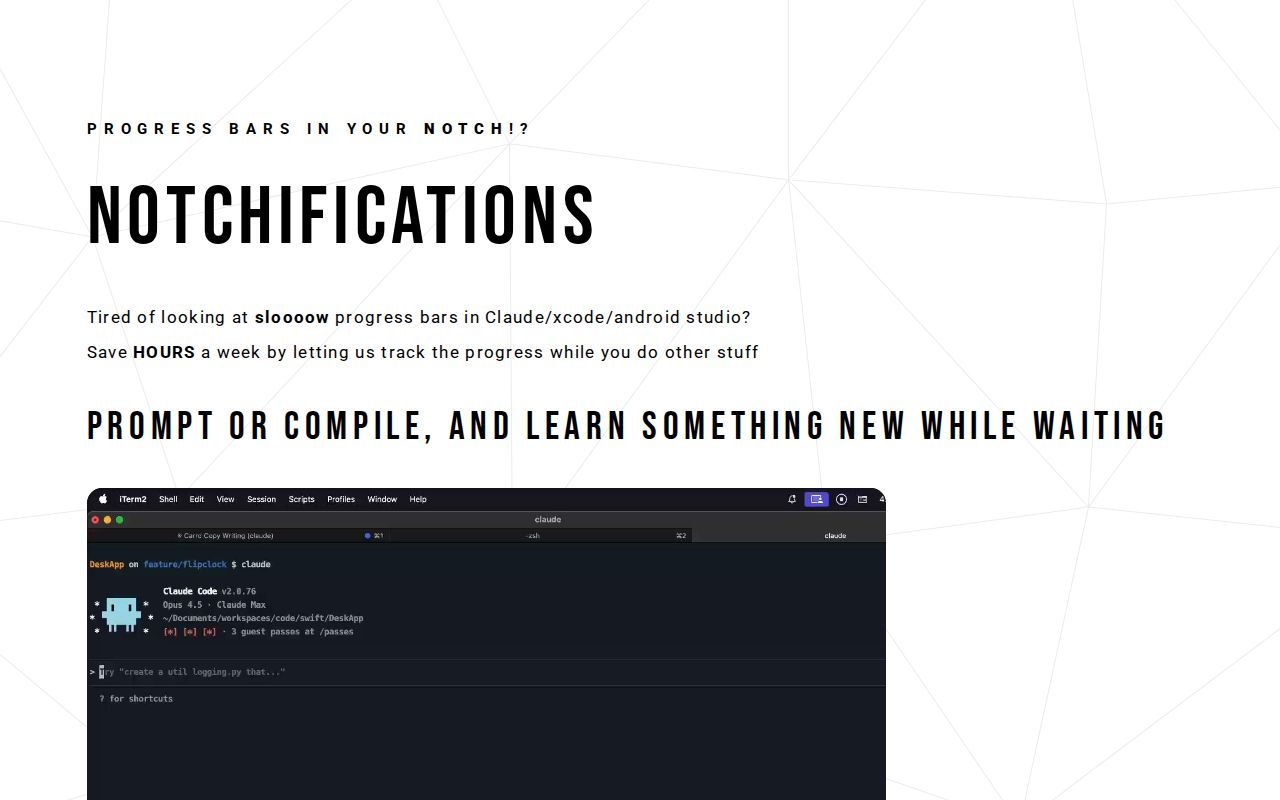
Notchification is a lightweight menu bar application designed for macOS users, specifically developers and creators who work with build tools like Xcode, Android Studio, and Claude Code CLI. Its core value lies in transforming the MacBook's screen notch from a passive hardware feature into an active, animated progress bar that provides real-time visual feedback on compilation and task progress without requiring users to switch application windows or tabs. By leveraging this unique screen space, Notchification offers a novel solution to a common productivity drain, allowing professionals to maintain their focus on primary tasks while passively monitoring background processes. This tool directly addresses the modern developer's need for streamlined workflows and reduced context-switching, making it an essential utility for anyone who regularly encounters slow build times.
The concrete problem Notchification solves is the significant time loss and mental distraction caused by constantly checking on slow-running progress bars within integrated development environments (IDEs) and command-line interfaces. Developers often find themselves compulsively switching back to their build windows to see if compilation is complete, a habit that fragments attention and disrupts deep work states. This context-switching not only wastes hours each week but also increases cognitive load and can lead to drowsiness or frustration during long coding sessions. Notchification matters because it reclaims that lost time and mental energy, enabling users to learn something new, relax, or tackle other work while builds run in the background. It turns a source of interruption into an opportunity for increased productivity and personal enjoyment, fundamentally changing the relationship developers have with waiting periods in their workflow.
One major feature group is the animated progress bar that lives directly within the MacBook's notch. This feature works by detecting active build processes from supported tools like Xcode and Android Studio, then rendering a sleek, real-time progress animation in the physical notch area at the top of the screen. The progress bar provides a persistent, at-a-glance status update without occupying valuable screen real estate or requiring a dedicated window. This is exceptionally useful because it allows developers to keep their IDEs and terminals minimized or hidden while still monitoring compilation progress peripherally. The visual feedback is continuous and non-intrusive, eliminating the need to manually check build status and thereby reducing the temptation to context-switch. By placing the progress indicator in a fixed, always-visible location, Notchification ensures that critical workflow information is accessible without becoming a distraction itself.
admin
A second major feature is the celebratory confetti animation that triggers when tasks complete successfully. This feature works by monitoring the build process for a completion signal, then overlaying a vibrant confetti effect across the screen as a visual and psychological reward. The confetti serves as a clear, unambiguous notification that a long-running task has finished, allowing the user to immediately return to their work without any doubt or need for verification. This is valuable because it injects a moment of fun and positive reinforcement into what is often a tedious part of the development cycle. The celebration transforms the completion of a build from a mundane event into a small victory, increasing user satisfaction and potentially reducing burnout associated with repetitive tasks. It also acts as a more effective alert than a simple sound or badge, as the full-screen animation is difficult to miss even when the user is focused on another monitor or application.
Additional capabilities include its design as a lightweight menu bar app with no dock icon, ensuring a distraction-free user experience. The application runs silently in the background, consuming minimal system resources while providing its core notification services. This integration with the macOS menu bar means it doesn't clutter the dock or desktop, aligning with a minimalist and focused workspace philosophy. The tool specifically supports a range of development environments mentioned, including Xcode for iOS/macOS development, Android Studio for mobile app creation, and Claude Code CLI for AI-assisted programming workflows. By targeting these specific tools, Notchification ensures reliable detection and accurate progress reporting for the build processes most commonly encountered by its target audience. The app's lightweight nature also means quick download and setup times, with no complex configuration required to start receiving notch-based progress updates.
Overall, Notchification works through a straightforward, three-step methodology: download the application, open it, and immediately begin receiving progress visualizations. Once installed, it operates automatically in the background, monitoring system for launch events and process activity associated with the supported build tools. When a build starts, the app intercepts progress data and translates it into a smooth animation scaled to fit the notch's dimensions. The workflow is entirely passive from the user's perspective after initial setup; there are no buttons to press or settings to adjust during normal use. This approach prioritizes simplicity and automation, ensuring that the tool enhances productivity without adding any new steps or complexity to the existing development process. The methodology is built on the principle of ambient computing—providing useful information in the periphery of attention—which is why the notch location is so strategically chosen for visibility without intrusion.
Concrete use cases include iOS developers working in Xcode who need to compile large Swift projects, which can take several minutes. Instead of staring at Xcode's progress bar or frequently checking its status, they can switch to reading documentation, answering emails, or even taking a short break, confident that Notchification will provide a clear visual cue in the notch and a confetti celebration upon completion. Another scenario is an Android developer building an APK in Android Studio; they can continue designing UI layouts in Figma or writing code in another window, with the notch progress bar offering continuous assurance that the build is proceeding. For users of Claude Code CLI running AI-generated code compilations, they can engage in learning a new programming concept while waiting, knowing the confetti will signal when it's time to review the output. The outcome in all cases is the recovery of previously wasted time, reduced mental fatigue from context-switching, and an overall more enjoyable and efficient work session, potentially saving up to 40 minutes of focused time per day.
The primary target users are software developers, mobile app creators, and engineers who use macOS and specific IDEs like Xcode and Android Studio for their daily work. It is also highly relevant for developers utilizing AI coding assistants through CLI tools like Claude Code, who similarly experience wait times during code execution. The platform is exclusively macOS, leveraging the unique hardware notch found on modern MacBook Pro models. While no explicit tech stack details are provided, the app is a native menu bar application designed for seamless integration with the macOS system. Pricing is implied to be affordable ('cheap as hell'), emphasizing high value for cost with promised returns in time savings and increased enjoyment. The summary takeaway is that Notchification reinvents compilation time from a frustrating bottleneck into a background process that grants users freedom, fun, and regained productivity, ultimately making the developer's workflow more humane and efficient.
Software developers and engineers using macOS, specifically those working with Xcode for iOS/macOS app development, Android Studio for mobile app creation, and Claude Code CLI for AI-assisted programming. Mobile app creators, full-stack developers, and anyone who regularly experiences slow compilation times and seeks to minimize context-switching and maximize productivity during build processes. The tool is tailored for MacBook Pro users with a screen notch who value streamlined workflows, ambient notifications, and injecting moments of fun into their technical work.