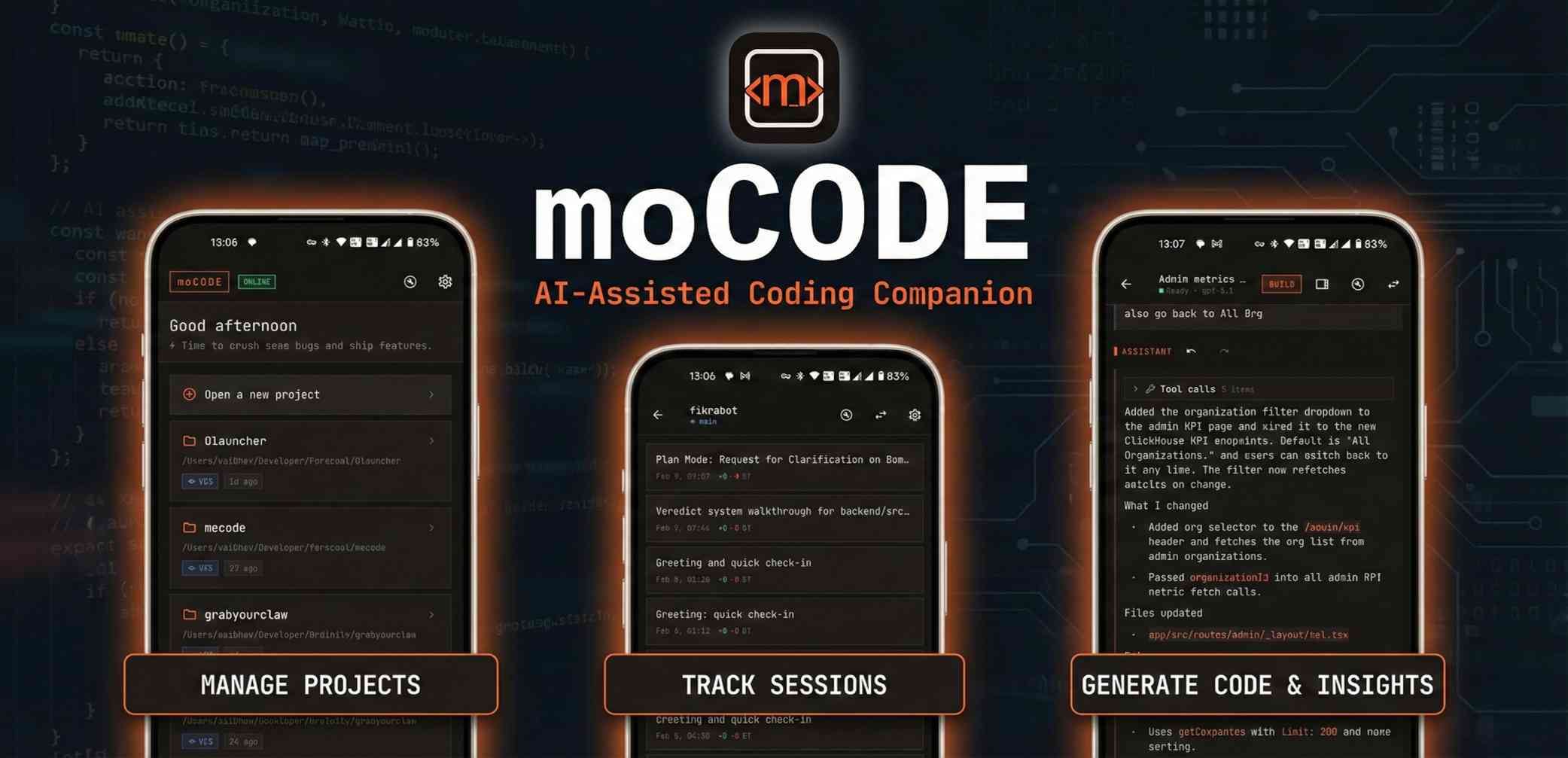
moCODE is the mobile companion for OpenCode/KiloCode Server that brings AI-assisted coding to mobile devices. It allows developers to write, review, and ship code from anywhere.
moCODE is the mobile companion for OpenCode/KiloCode Server that transforms any Android device into a powerful AI-assisted coding environment. This open-source application is designed for developers who need to write, review, and ship code while away from their primary workstation. By connecting directly to an OpenCode Server, moCODE brings the full context of server-side AI models, file systems, and terminal capabilities into a pocket-sized interface. Its core value lies in eliminating the gap between mobile convenience and professional development workflows, enabling real productivity on the go without sacrificing code quality or tooling depth.
Developers often face productivity loss when they are away from their desks—whether traveling, commuting, or handling urgent issues remotely. The inability to quickly review a pull request, fix a bug, or prototype an idea on a phone leads to delays and context switching. moCODE addresses this pain point by providing a fully functional IDE experience on mobile, complete with AI assistance. Without it, mobile coding is limited to simple text editors or cumbersome remote desktop solutions that lack integration. moCODE ensures that critical development tasks can be performed instantly from anywhere, reducing downtime and keeping projects moving forward.
The AI Pair Programmer feature allows developers to ask questions, plan implementations, and receive streamed answers with properly formatted code directly in the chat. By mentioning files with the @ symbol and using slash commands for quick actions, users can seamlessly interact with their codebase. This feature is useful because it mirrors the experience of having an AI pair programmer on desktop—now available on mobile. The real-time streaming and code formatting make it easy to understand and apply suggestions without switching contexts, accelerating the development loop from idea to code.
Branch-Smart Sessions enable developers to maintain separate contexts for different tasks, reducing cognitive load and preventing interference between features or fixes. Users can create, fork, archive, and share sessions that are automatically tied to the current branch state. This means when switching branches, the AI assistant retains the relevant file and conversation history. Search and filters allow quick retrieval of past sessions, making it easy to revisit past analyses or resume work. This feature is critical for managing complex projects with multiple branches, as it keeps the AI focused on the right part of the codebase.
Publisher
A
admin
Launch Date2026-02-20
Platformmobile
Pricingfree
Domain Authority
Ahrefs DR27/100