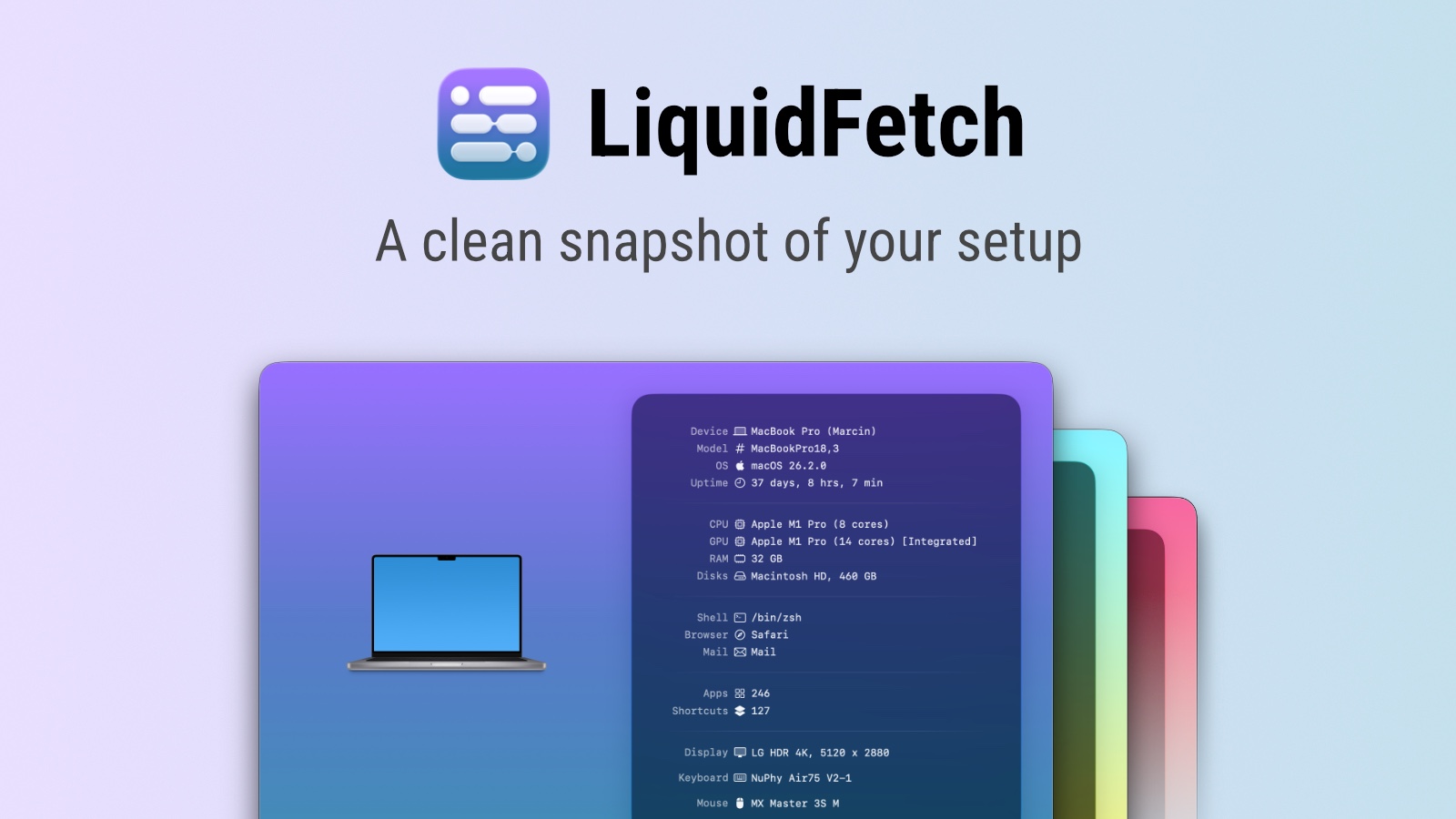
LiquidFetch is a native macOS app that presents your system information in a beautiful, visual way. It's perfect for screenshots or simply admiring your setup.
LiquidFetch is a native macOS application that provides a stunning visual system fetch, transforming the traditional terminal-based utility into a modern, graphical interface. Designed for Mac users who appreciate both form and function, this tool presents your computer's hardware and software details in a clean, aesthetically pleasing window. Whether you are a developer, designer, or simply a tech enthusiast, LiquidFetch offers a delightful way to view your system specifications at a glance. Its core value lies in making system information accessible and visually engaging, turning a routine task into an enjoyable experience. As a free utility from Apptorium, it embodies the principles of beauty and simplicity, aligning with macOS's design philosophy.
For years, users of Neofetch and similar command-line tools have sought a way to display system info without the starkness of a terminal. LiquidFetch solves this pain point by offering a graphical alternative that retains the complete functionality while elevating the aesthetic. The problem with traditional fetches is their lack of visual appeal, making them less suitable for sharing or showcasing. For those who frequently take screenshots of their setup for social media, portfolios, or forums, a bland terminal output can feel out of place. LiquidFetch bridges this gap by providing a polished, customizable look that seamlessly fits into any showcase scenario. This matters because it allows users to present their system details with pride, enhancing their digital presence.
The first major feature group is the core visual system fetch display. LiquidFetch collects key system information—such as macOS version, hardware model, processor, memory, storage, and uptime—and presents it using native macOS UI elements. Each piece of data is rendered with appropriate icons, colors, and typography, creating a cohesive and beautiful output. This works by leveraging system APIs to gather accurate, real-time data without user intervention. The benefit is a quick, comprehensive overview that is both informative and visually pleasing. Users can instantly see the state of their Mac without navigating multiple System Preferences panels. The layout is designed for clarity, with information grouped logically and spaced for easy reading, making it ideal for screenshots.
The second major feature group is the screenshot optimization and shareability. LiquidFetch is built from the ground up to be screenshot-ready, with a window that looks great on its own or as part of a larger desktop composition. The interface is clean, with no clutter, and the colors are chosen to complement macOS's design language. Users can capture the window and share it directly on social media, forums, or within documentation. This feature is useful because it eliminates the need for additional graphic editing or formatting. The window's transparency and shadow effects ensure it blends nicely with desktop backgrounds. By focusing on visual output, LiquidFetch turns a utility into a style statement.
Publisher
A
admin
Launch Date2026-01-31
Platformdesktop
Pricingfree
Domain Authority
Ahrefs DR51/100