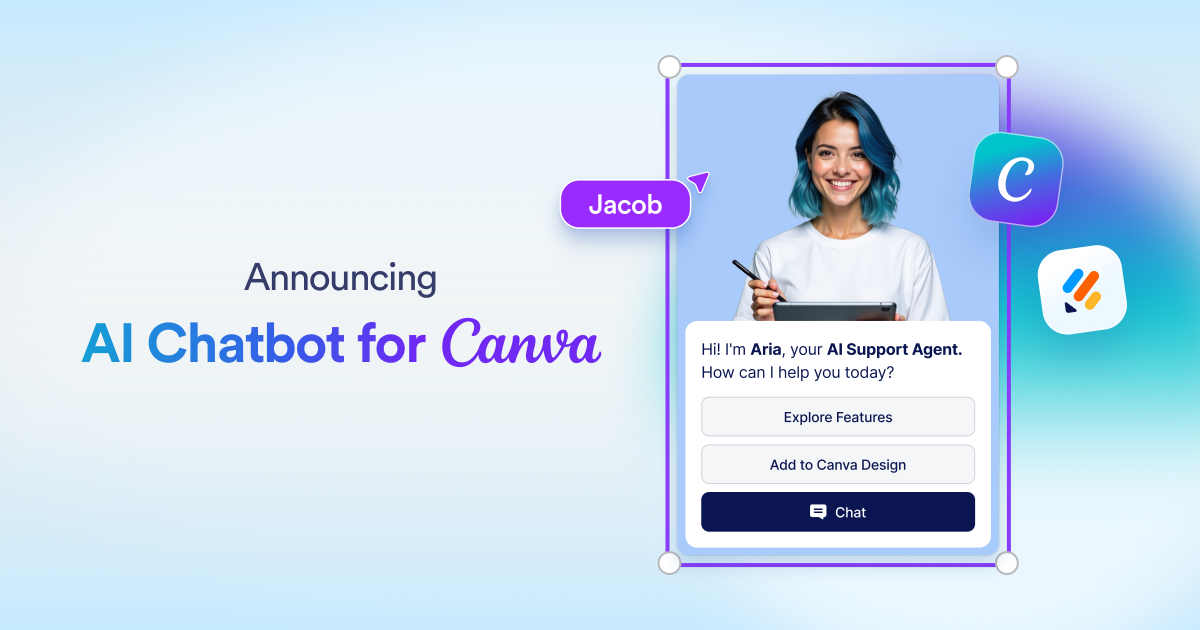
Jotform AI Chatbot for Canva turns Canva designs into interactive experiences with embedded AI chatbots. It enables visitors to ask questions and get instant answers directly within the design.
The Jotform AI Chatbot for Canva is a powerful Canva AI chatbot app that transforms static designs into interactive, conversational experiences. It belongs to the category of AI-powered chatbot tools integrated directly into the Canva design platform. This tool is designed for any Canva user—from nonprofit organizations to healthcare providers, educators, and event planners—who wants to engage visitors with instant, automated responses. The core value lies in its ability to embed a fully functional AI chatbot into Canva websites, presentations, and documents without requiring any coding skills.
Traditionally, Canva designs have been one-way communication tools. Visitors could view content but had no way to ask questions or receive personalized assistance within the design itself. This lack of interactivity often leads to lower engagement, missed opportunities for lead generation, and a passive user experience. The Jotform AI Chatbot solves this by providing a live, always-on conversational interface directly inside the design. Whether a visitor wants to know about services, schedule an appointment, or get more information about a nonprofit's mission, they can get instant answers without leaving the page.
One of the standout features is the Auto-train capability. When a new chatbot is created within Canva, it automatically learns from the content in the design, using that text and context as its knowledge base. This ensures the chatbot delivers accurate and relevant answers without manual setup. Additionally, the Customizable design feature allows users to style the chatbot's name, role, avatar, button colors, chat background, and text color to perfectly match the visual identity of their Canva design. This seamless integration maintains brand consistency while providing a polished user experience.
Another major feature group is the platform's versatility across Canva formats. The Jotform AI Chatbot works seamlessly with Canva websites, presentations, and documents, meaning wherever a design is published, the chatbot can be embedded to assist visitors. Furthermore, the ability to edit and customize the chatbot anytime is crucial for dynamic content. Users can update agent names, roles, colors, and behavior directly within Canva without needing to leave the editor. This flexibility ensures that as designs evolve, the chatbot remains perfectly aligned with the current branding and messaging.
The Jotform AI Chatbot also offers a rich set of additional tools that extend its functionality far beyond simple Q&A. These include the ability to show lists of helpful links, send Slack messages for real-time team updates, display images for step-by-step guides or promotions, set appointments in Google Calendar, send email notifications, and even trigger automated workflows based on user actions. Users can also enable features like photo capture, video responses, document collection to Google Drive, location display via Google Maps, consent collection, and checklist guidance. Each tool is designed to automate tasks and provide a comprehensive interactive experience.
Publisher
A
admin
Launch Date2026-01-27
Platformweb
Pricingfree
Domain Authority
Ahrefs DR94/100