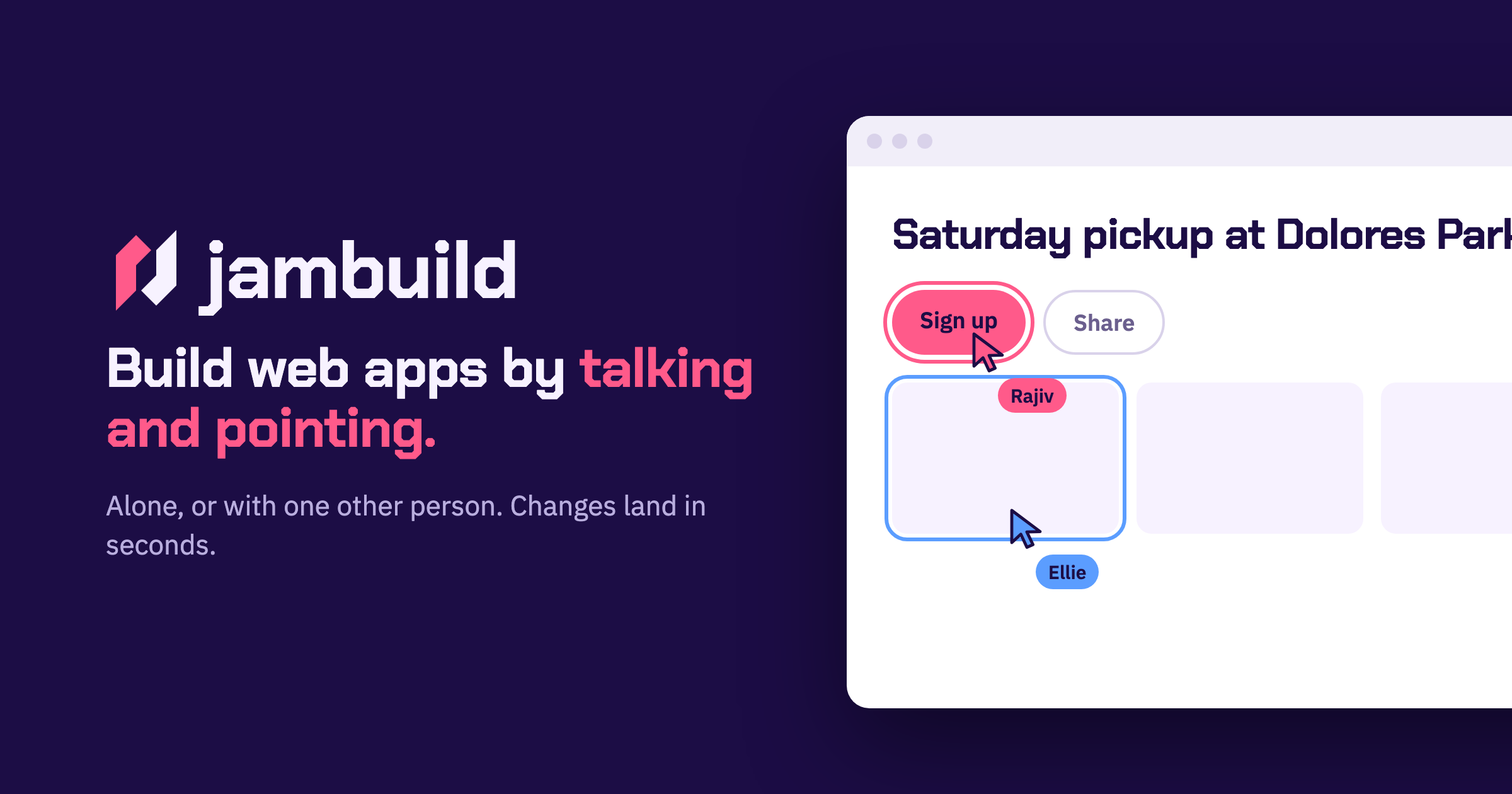
jambuild is a web app builder that works in real time through talking and pointing. You say what you want to build, point at what you mean, and changes land in less than ten seconds while you keep talking. You can use it on your own, or send a link to one other person and build together in the same room. According to the site, your microphone becomes the keyboard: you describe a page out loud and a first version appears in seconds. It is built for fast, conversational building rather than long written prompts.
In most building workflows, the person with the idea has to translate intent into text — write a prompt, wait for a result, read it, then try to describe the correction in words. The jambuild approach shortens that loop. The site frames the product around a simple idea: say what you want to build, and point at what you mean. Speaking removes the typing step, and pointing anchors the request to a specific part of the page so both people can see exactly what is being discussed. Because changes land in under ten seconds, you can keep the conversation going instead of waiting between attempts, and because the pointing is shared, both participants stay on the same page — literally — while the app takes shape.
Talk is the first input. The site describes your microphone as the keyboard: you describe a page and a first version appears in seconds. Nothing has to be typed into a prompt box; you simply say what you want, and the window shows when your voice is being heard. The example on the site shows Maya describing a sign-up page out loud, with her words appearing in the prompt box and the window outlined in pink while she is heard. Speaking is useful because describing a layout or an interaction out loud is often faster and more natural than writing it down, especially when you are still working out what the page should be.
Point is the second input. As you move over the page, whatever you are on lights up — and it lights up for both of you. You then say what that thing should become. In the example, Sam moves over a roster, it lights up in his colour, and he asks for it to be split into three teams. Highlighting matters because it removes ambiguity: instead of saying “that section” or “the list near the top” and hoping the other person or the tool interprets it the same way, the highlighted element is visibly the subject of the request. Both participants see the same highlight, so a shared cursor effectively becomes part of the conversation.
Click is the third input, and it adds action to description. You click anything on the page and say what should happen to it, and the change lands in seconds. The site’s example is Maya clicking the Sign up button and asking for it to be bigger and orange. Clicking gives you a precise handle on an element — a button, a section, a piece of content — while your voice carries the instruction about what should change. Together with talking and pointing, clicking covers the three ways people naturally refer to something: describing it, hovering over it, and selecting it.
Together is what makes jambuild multiplayer. You send the link, and both people talk, both point, and it is one page. Changes land in seconds for both of you. Sign-in is done with Google, and the site notes that the person you invite does not need an account. The site shows Maya and Sam talking at once: both requests are building and both changes land. So the model is a shared room rather than a shared document — the room holds one page, two cursors, and two voices, and the page responds to both. The overall approach is conversational and spatial at the same time: language supplies the intent, the cursor supplies the target, and the short turnaround keeps the loop between the two people tight enough to feel like a normal back-and-forth conversation.
The main benefit the site claims is speed: changes land in less than ten seconds, and you keep talking. That pace matters because it removes the wait between saying something and seeing it — you do not have to stop the conversation, and you do not have to hold a mental backlog of edits while waiting for the previous one to finish. A second benefit is that you are never building in isolation if you do not want to be: send a link and one other person can join, point at the same elements you are pointing at, and speak their own requests into the same page. Both participants get the same sub-ten-second turnaround, so neither is working against a slower view of the app.
The site’s own examples show the kinds of tasks jambuild is used for. Maya describes a sign-up page out loud and a first version appears — a typical first-pass scenario where you want something on screen quickly so you can react to it. Sam hovers over a roster and asks for it to be split into three teams — a concrete structural edit made by pointing at the part of the page that needs to change. Maya clicks the Sign up button and asks for it to be bigger and orange — a visual tweak aimed at a specific element. And Maya and Sam both talk at once, with both requests building and both changes landing — two people editing the same page at the same time. Across these examples, the pattern is short, spoken, precisely targeted edits rather than large written specifications.
jambuild runs in the browser and you sign in with Google to start a room; the person you invite does not need an account, which lowers the barrier to a two-person session. The product is aimed at people who want to build web apps by talking rather than by writing code or long prompts — the Product Hunt listing describes it as a multiplayer vibecoding tool. Availability is handled with credits: the listing says there are limited credits to try it out, and that you can bring your own (BYO) API keys to unlock more usage. No further plan, tier, or platform details are stated on the site.
The takeaway is that jambuild turns app building into a conversation with a shared cursor. You talk, you point, you click, and the page answers in less than ten seconds. One other person can join through a link, see your highlights, and add their own voice to the same page. If you want to go from “I want this kind of page” to a working first version without typing out a specification, and you want to do it alongside someone else, jambuild is built for exactly that.
Publisher
A
admin
Launch Date2026-10-01
Platformweb
Pricingfreemium