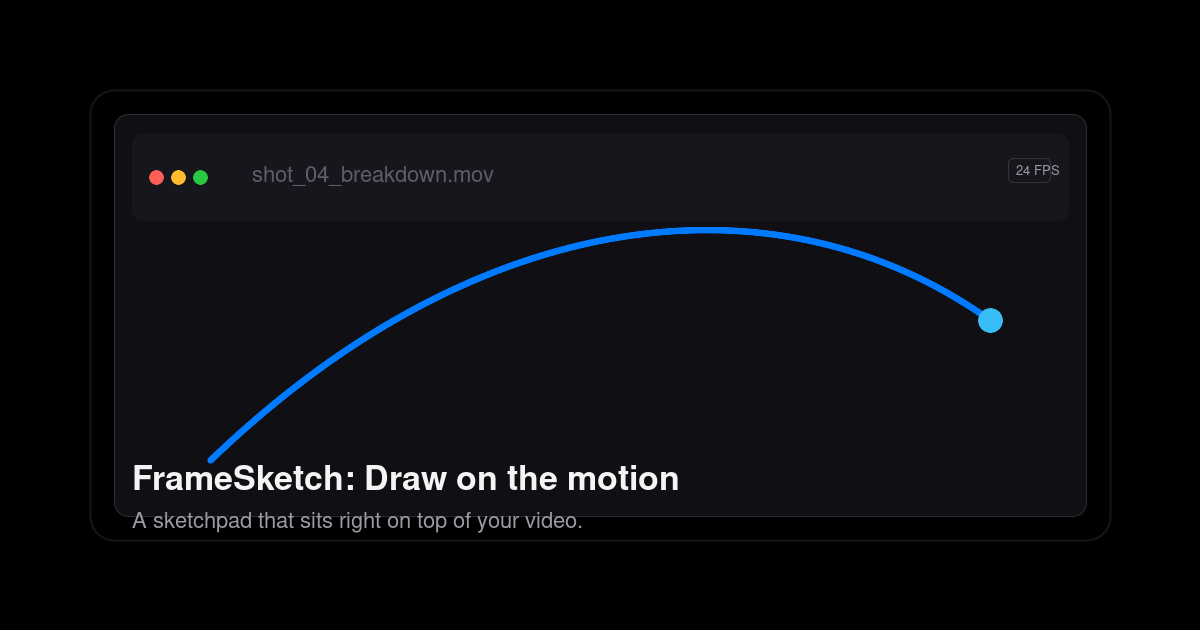
FrameSketch is a video annotation tool that lets you sketch right on top of your footage. It is built for animators, VFX artists, and motion designers who need to mark up arcs, poses, and breakdowns on moving images instead of describing them in words. You step through frames, draw over the canvas, and keep your lines exactly where you left them, then hand the result to whoever needs to see the shot. The site states the intent plainly: no uploads, no lag, just your lines exactly where you left them. FrameSketch runs in the browser at app.framesketch.xyz and is free to use.
The problem the product addresses is the friction of reviewing and annotating motion. The site describes the alternative as animation-suite bloat: heavy software where you open a file, fight plugins, and juggle exports before you can get back to the shot. It also promises there is no export roulette and no timeline lag, which are the usual complaints when scrubbing footage and drawing over it in a general-purpose tool. The other half of the problem is privacy and waiting. Cloud-based annotation means uploading footage before anyone can mark it up; FrameSketch instead keeps everything on your machine, so your footage never leaves your device and cloud sync, when enabled, only carries annotations. For studios handling unreleased client work, that distinction matters.
The drawing tools are organised around frame accuracy. Lines land on the exact frame, and you can step forward, step back, or scrub while the canvas never drifts from the video, so a mark you place on a frame stays on that frame. Onion skin lets you peek at the frames before and after and tune the ghosting until it feels right, which is how animators check spacing, timing, and the read of a pose. Strokes stay put: each line is fixed the moment you lift the pen, so your marks stay exactly as drawn, frame after frame, without re-tracing as you move through the timeline. The brush setup is described as four pens and one palette, and the tool strip lists pressure-sensitive input. The page also shows a scrubber running from frame 0000 to frame 0144 as an example of stepping through a section of footage.
The studio adds the tools a shot review normally needs, built in rather than bolted on. A frame-by-frame timeline lets you walk the footage frame by frame, mark a stretch of it, and play just that range on a loop, which is useful when a single cycle or transition needs repeated scrutiny. Layers let you stack strokes, shapes, and notes on real layers, then reorder them, hide them, and dial in each layer's opacity, which keeps a busy annotation from turning into one inseparable mess. Notes and comments appear as sticky notes and comment markers pinned right on the frame; you can move, resize, recolor, and edit them at any time, so feedback stays attached to the exact moment it refers to.
Alignment and navigation tools help you place marks precisely. Grid, rulers, and guides offer rectangular or isometric grids drawn as dots or lines, and you can drag guides out of the rulers to line your marks up where you need them. Pan and zoom let you zoom into the detail and move around the shot while your marks stay exactly where you left them. Scenes and backgrounds support one project with many scenes, and every scene sits on a solid background layer, so you can hide or dim the video whenever you want to see your own drawn lines without the footage competing for attention. The welcome screen rounds this out with recent projects one click away, described as an escape from project browser rabbit holes.
Underneath, FrameSketch takes a local-first approach. It runs entirely on your machine; cloud sync is optional and, when switched on, only carries annotations rather than media, and you can turn it off so everything stays local. Projects are saved as a single small .fsk file that holds every stroke; the site says a whole project is a few hundred kilobytes, small enough to email, stash, or version. Because the file is that light, sharing a review does not mean exporting video or uploading anything: you send the .fsk, the other person opens it, and they can keep going. The app reads video files straight from your machine and re-encodes nothing. The file picker only lists what your platform can really play: MP4 with H.264 in an MP4 container is recommended and plays on every platform, browser and desktop; MOV is a QuickTime container whose H.264 content plays everywhere; M4V shares the same H.264 core as MP4; and WebM uses the open VP8/VP9 codec, playing on Windows, Linux, and Chromium, though on macOS MP4 or MOV is advised. Anything else can be converted once to H.264 MP4 and it will play anywhere. The product is described as working in the browser with web and PWA support, and desktop apps for Windows and Linux are coming soon.
The practical benefits follow from those choices. Privacy is the headline: your footage never uploads, so confidential or unreleased material stays on your own device while you still get optional sync for annotations. Speed is the second: drawing at 60fps and a frame-accurate canvas that never drifts means marking up a shot feels immediate rather than waiting on a round trip to a server. Small project files make collaboration cheap, since emailing a few hundred kilobytes and versioning it like any other small asset is far easier than moving video around. And because the tool deliberately avoids suite-level complexity, time to first mark is short; the site claims your first arc takes about ten seconds.
Concrete workflows the tool is built around include animating arcs and poses over reference footage: load a shot, step to a frame, and draw the arc, breakdown, or pose directly on the picture. Shot review is another: pin sticky notes and comment markers to specific frames, then send the project to a colleague or director who can open it and add to it. Timing and spacing checks lean on onion skin, letting you compare neighbouring frames with adjustable ghosting to judge how a movement reads. Aligning marks to a layout uses the grids and rulers, whether rectangular or isometric. Privacy-sensitive work benefits from the local-first model, since client footage never needs to be uploaded. And because a project travels as one .fsk file, remote collaboration is as simple as emailing an attachment and continuing where the other person left off.
FrameSketch is aimed at animators, VFX artists, and motion designers, the people who think about motion frame by frame, and its marketing addresses animators directly. It is available as a web app and installable as a PWA at app.framesketch.xyz, with desktop apps for Windows and Linux listed as coming soon. Pricing is free to use, and the site reiterates that your footage never leaves your device. No plugins or additional software are needed for the core workflow, and the tool opens straight from the browser ready for you to draw.
FrameSketch's value proposition is narrow and deliberate: annotate video the way animators actually think, frame by frame, on top of the footage, without uploading anything. Drop in a local file, draw arcs, breakdowns, and notes with tools like onion skin and frame-accurate stepping, share a tiny .fsk file with collaborators, and keep your footage private the entire time. It is a free, browser-based video annotation tool for animators, VFX artists, and motion designers who want to mark up motion quickly and get back to the shot.
Publisher
A
admin
Launch Date2026-09-13
Platformweb
Pricingfree