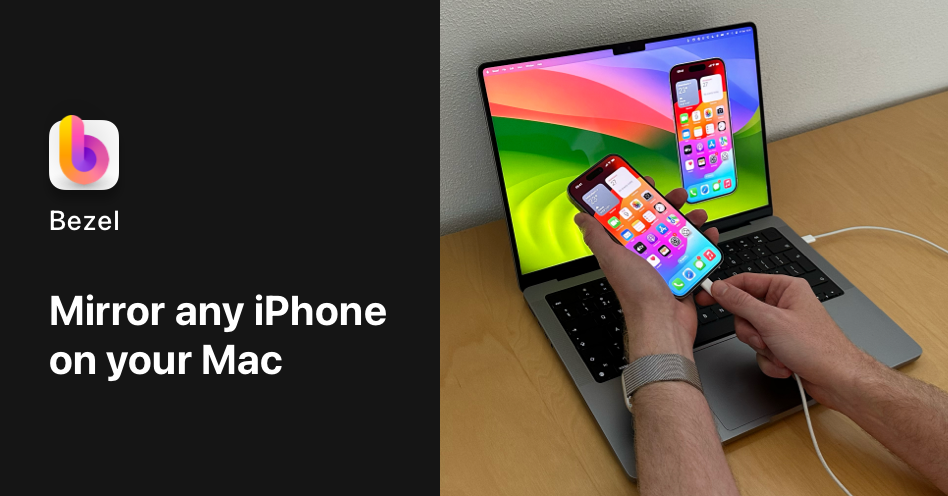
Bezel is the best way to display and record any iPhone, iPad, and Apple TV on your Mac. It supports wireless mirroring using AirPlay and provides beautiful recordings complete with bezel and background.
Bezel is a native macOS application designed to wirelessly mirror and record any iPhone, iPad, Apple TV, Vision Pro, or iPod Touch directly onto your Mac display. It belongs to the screen mirroring and recording category, tailored for professionals who need to showcase mobile interfaces with clarity and polish. The core value lies in its ability to produce beautiful, ready-to-share recordings that include the device bezel and a customizable background, eliminating the need for post-processing. With support for both wireless AirPlay and USB connections, Bezel offers flexibility for various setups. The primary keyword, mirror iPhone on Mac, encapsulates the essential purpose of this tool, making it indispensable for demos, presentations, and tutorials.
Without a dedicated tool, displaying an iPhone screen on a Mac often results in a plain, windowed view that lacks context and professionalism. QuickTime Player, for example, captures raw screen output without any device frame, leading to recordings that feel incomplete. Bezel solves this pain point by automatically adding a realistic bezel and a complementary backdrop, transforming a simple screen capture into a polished presentation asset. This matters especially for product managers and designers who need to impress stakeholders with seamless app demonstrations. The removal of extraneous steps—no need to manually add frames in video editing software—saves valuable time and ensures consistency across all shared media.
The first major feature group centers on connection options: wireless mirroring via AirPlay and wired mirroring via USB cable. AirPlay mirroring enables instant, cable-free connection to the Mac, perfect for quick demos where mobility is key. For situations requiring low latency or when Wi-Fi is unavailable, the USB cable method provides a reliable alternative with automatic device detection. Bezel supports every iPhone model, even devices logged into different iCloud accounts, which is particularly useful for teams sharing a single Mac. The guided setup feature walks users through the initial pairing process, reducing friction and getting them to the mirroring stage within seconds.
The second major feature group is the one-click recording capability that produces beautiful output complete with bezel and background. With a single click, users can start capturing their device screen along with audio, and the recording automatically includes the device frame and a curated backdrop. This eliminates the need for additional editing software to add these elements, making the content shareable immediately. The recordings are ideal for social media teasers, app store previews, or internal documentation. Moreover, Bezel's auto-matching bezel colors ensure that the frame matches the physical device color, while users can also set custom bezel colors to align with brand guidelines.
Publisher
A
admin
Launch Date2026-02-09
Platformdesktop
Pricingpaid
Domain Authority
Ahrefs DR42/100