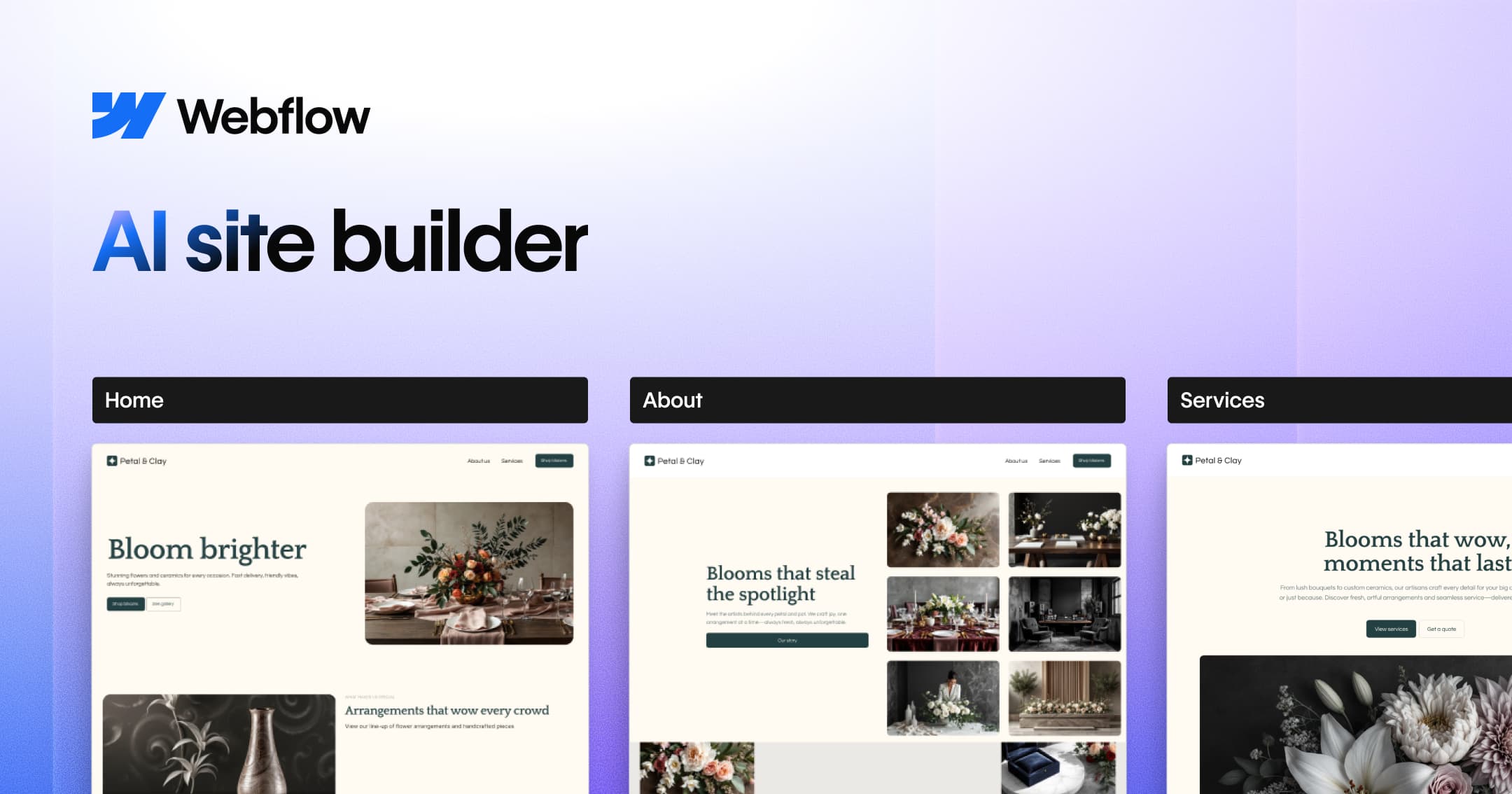
Webflow's AI site builder transforms a simple prompt into a multi-page, production-ready website with structure, styles, and animations. It provides a faster start on a foundation built to scale.
The Webflow AI site builder is an innovative tool that transforms a simple text prompt into a fully customized, production-ready multi-page website. It belongs to the category of AI-powered web design platforms, designed for marketers, designers, developers, and agencies who need to launch websites rapidly while maintaining high-quality design standards. Its core value lies in accelerating the initial build process—turning an idea into a functional site with structure, styles, and animations in minutes—while providing a foundation that is built to scale within the powerful Webflow ecosystem. By starting with AI-generated output, users can skip the blank canvas and immediately begin refining a professional-grade site.
The primary pain point this tool addresses is the time, cost, and expertise required to build a custom website from scratch. Traditionally, creating a multi-page site demands knowledge of design, development, and content creation, often taking weeks or months. For freelancers, agencies, and businesses, this delays time-to-market and increases project costs. Webflow's AI site builder solves this by generating a complete, editable site draft from a single descriptive prompt, drastically reducing the initial setup phase. This allows users to focus on customization, content, and optimization rather than starting with a blank page. The result is a faster path to a live site without compromising on design quality or flexibility.
A major feature group is the customizable theme with 8 editable categories. After generating the site, users can fine-tune the look and feel by adjusting colors, buttons, and images through a visual theming interface. This includes variant options for different color schemes and image sets, enabling quick A/B testing or brand adaptation. Additionally, animation presets powered by GSAP allow users to add sophisticated, performance-optimized motion effects without writing code. This feature is particularly useful for creating engaging user experiences while maintaining consistency across all pages. The theming system ensures that changes apply site-wide, preserving a cohesive brand identity as the site grows.
Another key feature is the structured workflow described in How it works. Step one, Describe your vision, allows users to input a prompt that describes their business and target audience. The AI then generates a multi-page draft with appropriate sections. Step two, Add some structure, gives users the ability to add, remove, or reorder pages and sections to match their site map. This provides a balance between automation and control—users get a starting point that they can easily reshape. The AI-generated structure is not static; it remains fully editable within Webflow's Canvas, ensuring that the final site aligns with the user's specific information architecture.
Publisher
A
admin
Launch Date2026-02-05
Platformweb
Pricingfreemium
Tech Stack
#Webflow Flowkit#GSAP#CSS framework
Domain Authority
Ahrefs DR92/100