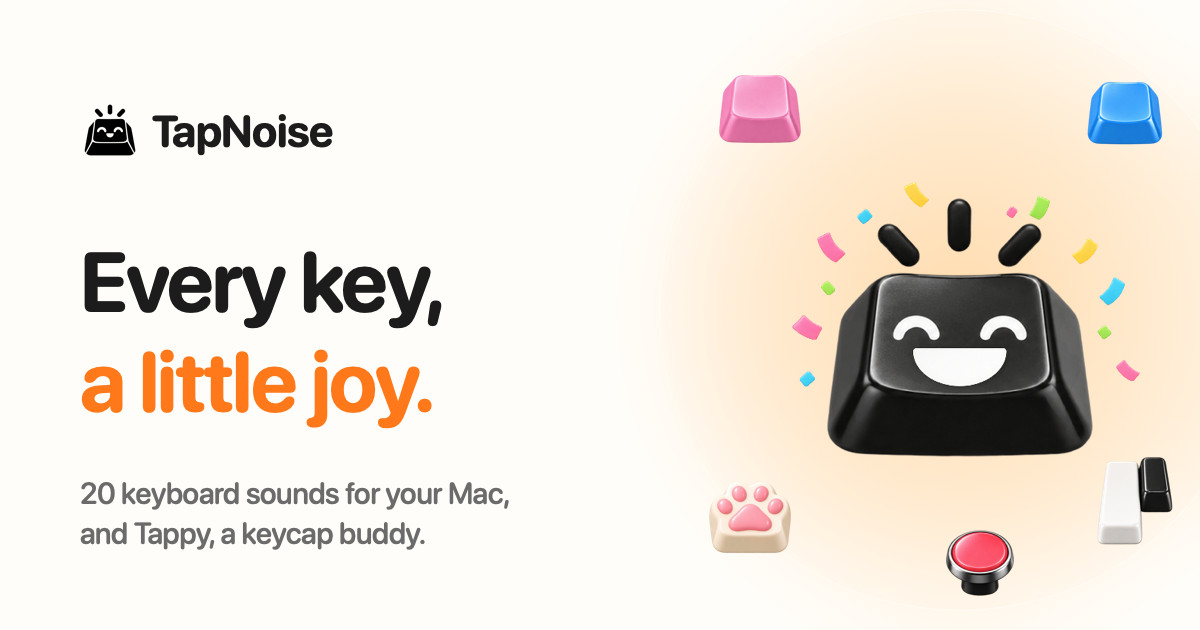
TapNoise is a macOS app that gives your Mac the sound of a dream keyboard. It ships with 20 keyboard sounds, from a deep thock to tiny paws, and adds Tappy, a little keycap character that lives on your desktop and reacts to everything you do. The app is built for Mac users who want typing to feel and sound better, and it also tells you when your AI coding agent is done. It runs on macOS 14 or later and is sold as a one-time purchase for one Mac (Solo) or two Macs (Duo), with no subscription.
Most keyboard sound apps play the same clip for every key and every keystroke. TapNoise starts from a different premise: most keyboard sound apps play every key the same, so fast typing ends up sounding like a machine gun. Instead, TapNoise feels how hard you press through the MacBook's motion sensor, and every key plays as loud as you hit it. Every key also gets a take of its own, so fast typing never sounds like a machine gun. Space, Return and Delete sound like the bigger keys they are, and the stereo follows the key, left to right.
TapNoise includes 20 keyboard sounds, which the site groups into Keyboards and Fun. The Keyboards set covers Thock, Creamy, Clicky, Silky, Hushed, Bumpy, Pillowy, Clunky, Chunky and Retro, including a deep and heavy thock that sounds like a custom board. The Fun set adds Typewriter, 8-bit, Bubble, Piano, Rain, Paws, Kalimba, Woody, Marbles and Laser. On the website you can pick a sound, click a box and type to hear the real sounds from the app. On a Mac they play under every key, in every app, and you switch sounds with one click from the menu bar, where you also turn TapNoise on or off and set the volume; Tappy, Clean Mode and Guard Mode are there too.
Tappy is a little keycap with a face that sits in a corner of your screen, and you can drag it anywhere. It presses along with every key and shows your words per minute underneath. Tappy has moods drawn from what you are doing: Happy when typing along with you, Sweating when you type fast, On fire when you are really fast, Dizzy when someone slaps the Mac, Snacking when the charger goes in, Ears covered when Caps Lock is on, Sleepy when it is late, Asleep when you have been away, Party when you level up, and Bye! when the lid is closing. Every tap is XP: you type, level up, and Tappy unlocks hats to wear, including a party hat at level 2, sunglasses at level 4, headphones at level 6, a beanie at level 8, a chef's hat at level 10 and a crown at level 15. You can keep a daily streak going, watch your typing speed, and get a card of your week to share.
Because it reads the MacBook's motion sensor, TapNoise can do more than play key sounds. Type softly and it whispers, hit hard and it clacks: every key plays as loud as you hit it. The MacBook itself has sounds too. Slap it and it says ouch, harder hits are louder. Opening the lid makes the hinge creak like an old door, faster the faster you move it. The charger and USB plugs get their own little sounds: Tappy has a snack when you plug in the charger, and USB gets a happy little chime. Slaps, knocks and pressure need a MacBook with a motion sensor, which means a MacBook Pro with M1 Pro or later, or a MacBook Air with M2 or later, and the lid creak needs a lid angle sensor, found on the same models plus the 2019 16-inch MacBook Pro.
The same sensors that make the sounds do real work. Knock twice on your MacBook to pause the music, mute your mic in a call, or answer a waiting AI agent, and three knocks lock the screen. Guard Mode is for leaving your MacBook at a café table: if someone lifts it or pulls the charger, it sounds a loud alarm, and turning it off takes your Touch ID or password, though Force Quit ends Guard and closing the lid may put the Mac to sleep. Lift detection needs a MacBook with a motion sensor; other Macs get the charger alarm only. Clean Mode holds the keyboard and trackpad still so you can wipe them without typing nonsense or clicking anything, with a countdown so you know when it is done, and holding Esc stops it early. A shortcut cheat sheet appears when you hold Command for a second, showing every shortcut in the app you are using, and disappears when you let go. Tappy also acts as a break buddy, reminding you to stretch after a long stretch of work and nudging you when you start hammering the keys. Song Mode lets Piano, Kalimba or 8-bit play the next note of a song with every key, so you can type an email and hear Für Elise. Typing speed shows your words per minute live under Tappy, with your best today and your best ever. Quiet in calls means TapNoise goes silent while any app is using your microphone, so nobody in the meeting hears your thock.
For developers, TapNoise puts your AI agent on speaker. If you code with Claude Code, Codex or Cursor, you can look away while it works, because TapNoise chimes when your agent is done or needs you, so you stop checking the terminal. A rising little chime and a Tappy party mean done; two quick taps and a sweating Tappy mean the agent needs you; a falling note and covered ears mean an error. When an agent is waiting, knock twice on your MacBook and its window jumps to the front, or just click Tappy. Connecting takes one click in Settings › Agents › Connect: TapNoise backs up your settings first, adds one small hook, and Remove takes it out again. The cues are made from the keyboard sound you picked, so they sound like part of your Mac rather than another alert, and they stay quiet in calls and follow your volume. It works with Claude Code (done, needs you and errors), Cursor (done and errors) and the Codex CLI (done). Knocking needs a MacBook with a motion sensor, while clicking Tappy works on any Mac.
TapNoise is private by design: it hears keys, never words. It learns which key position went down, so it can play the right sound, and it never sees what you type, keeping only counts. From AI agents it hears only done, needs you or error, never your code. There is no account to sign up for and no analytics in the app; your stats, levels and hats stay on your Mac. TapNoise goes online to activate and check your license key with Dodo Payments, and once a day to look for an update, and nothing about your typing is sent. It is also built to be light: on a MacBook Air, typing at full speed uses about 4% of one CPU core and around 30 MB of memory, the motion sensor slows down when you are not typing, and it turns off with the features that use it.
TapNoise is free for 3 days with no card, then sold as a one-time purchase. Solo covers 1 Mac and Duo covers 2, and every sound and every tool, plus every update, is included, with 14 days to change your mind. At launch the site lists a discounted price while launch licenses last: US$4.99 instead of US$9.99 for Solo and US$7.99 instead of US$14.99 for Duo, which works out at US$4 per Mac at launch, with the launch discount applied at checkout and no code to type. Standard pricing is listed as US$9.99 for one Mac (Solo) or US$14.99 for two (Duo), plus tax, with no subscription; checkout is handled by Dodo Payments and there is a 14-day refund policy. The license key arrives by email the moment you buy and is pasted into TapNoise Settings, License, Enter Key; a Solo key works on 1 Mac at a time and a Duo key on 2 Macs, and to move it you click Remove from this Mac on the old Mac and then activate it on the new one. Any Mac with macOS 14 or later plays the key, click, charger and USB sounds, with the built-in keyboard or any keyboard you plug in, and Guard Mode sounds its charger alarm. TapNoise is made independently by Rudra Satani, who also makes NotchMind.
In short, TapNoise is more than a keyboard sound app. It pairs 20 carefully built sounds with a pressure-aware sound engine, a desktop companion that reacts to your typing and your moods, a set of genuinely useful tools such as Knock commands, Guard Mode and Clean Mode, and agent notifications that call you back when your AI finishes. It is a one-time purchase with no subscription, so every key really does get a little joy.
Publisher
A
admin
Launch Date2026-10-11
Platformdesktop
Pricingpaid
Tech Stack
#macOS