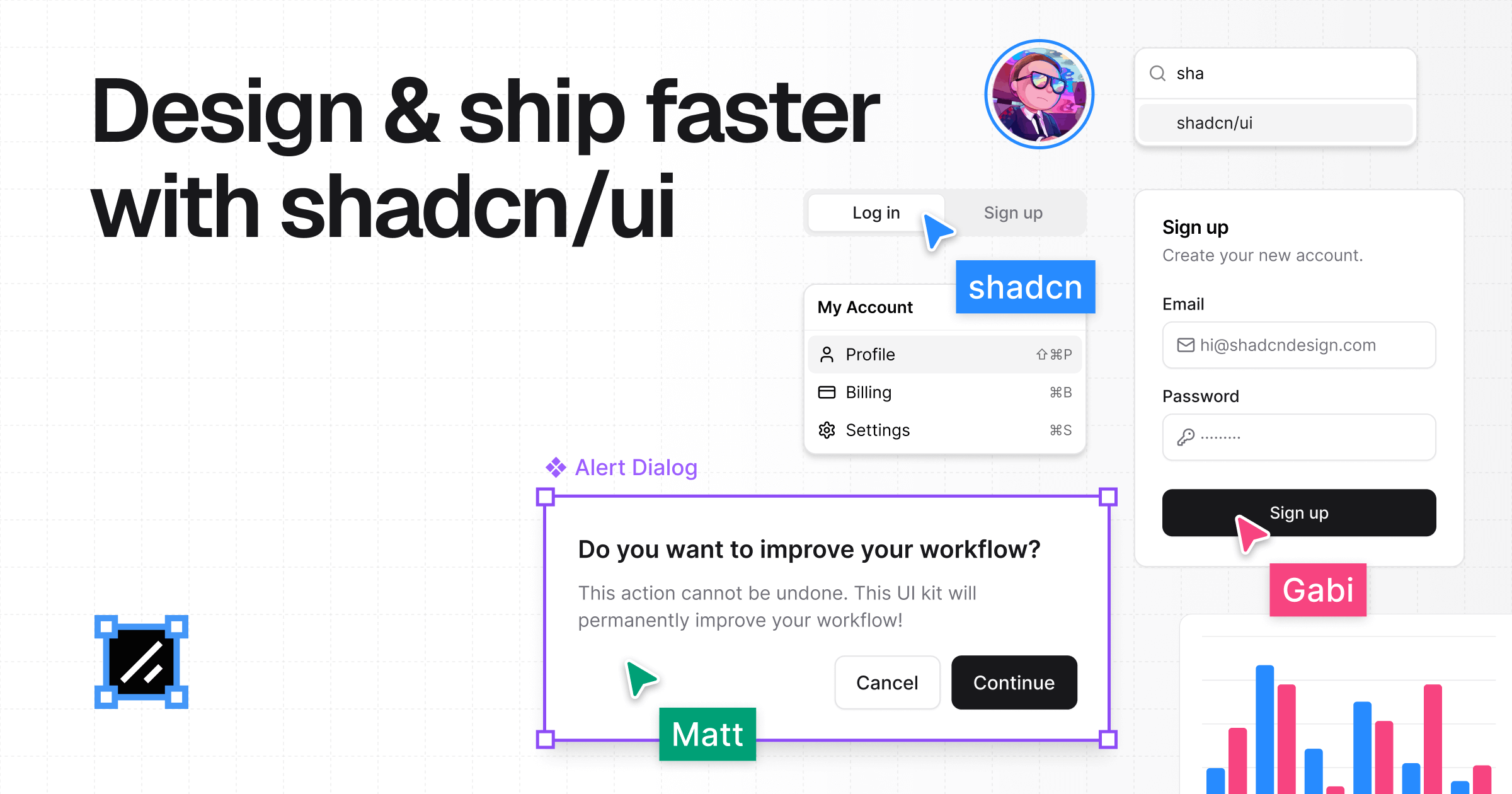
Create a beautiful shadcn/ui theme in a few clicks by picking a color and font. Preview it live and ship production-ready theme CSS for Tailwind v4.
The shadcn theme generator is a web-based tool for rapidly creating custom shadcn/ui themes. It is designed for busy developers and designers who need to brand their shadcn/ui projects without manually editing CSS variables. By simply picking a single primary color, the tool generates a complete theme for both light and dark mode, including colors, fonts, radius, and shadows. The core value is speed: from initial color selection to production-ready CSS in just a few clicks, enabling users to focus on building features rather than fiddling with design tokens.
Manually building a cohesive shadcn/ui theme is time-consuming and error-prone. Developers often waste hours tweaking dozens of CSS variables across hundreds of components, trying to achieve visual consistency. This tool solves that problem by automatically generating a harmonious palette from one color input. It ensures that light and dark modes are consistent without extra effort, which is critical for modern applications that support user preferences. The result is a significant reduction in cognitive load and development time, allowing teams to ship polished interfaces faster.
The first major feature is the one-click color selection. Users start by choosing a primary color from Tailwind’s color families and shades—or by pasting a custom brand hex. The generator then automatically computes the full theme, including background, foreground, muted, accent, and border colors for both light and dark modes. This works because the algorithm uses color theory principles to generate harmonious complementary tones. The benefit is clear: there is no need to manually define every CSS variable; one color produces a professional, cohesive palette instantly.
Another key feature group is the radius presets and font pairing. The generator offers five radius presets: None, Small, Medium, Large, and Full (up to 1.5rem). Setting the radius once ensures every component—buttons, cards, inputs—uses the same border radius, saving repetitive styling work. For typography, users select body and heading fonts from a curated list. They can link the two selections for a clean, consistent look or unlink them to explore suggested pairings that add character. This makes it trivial to achieve visual uniformity and typography harmony across the interface.
The third feature group revolves around real-time preview and one-click actions. As users adjust colors, radius, or fonts, the theme updates instantly on three distinct layouts: a landing page, a dashboard, and a chart view. This allows direct comparison of how the theme performs on different UI contexts before committing. The interface also provides one-click actions to randomize the color palette for inspiration, reset all selections to defaults, and copy the generated CSS variables directly to the clipboard. These actions eliminate repetitive manual steps and accelerate the iteration loop.
Publisher
A
admin
Launch Date2026-02-20
Platformweb
Pricingfree