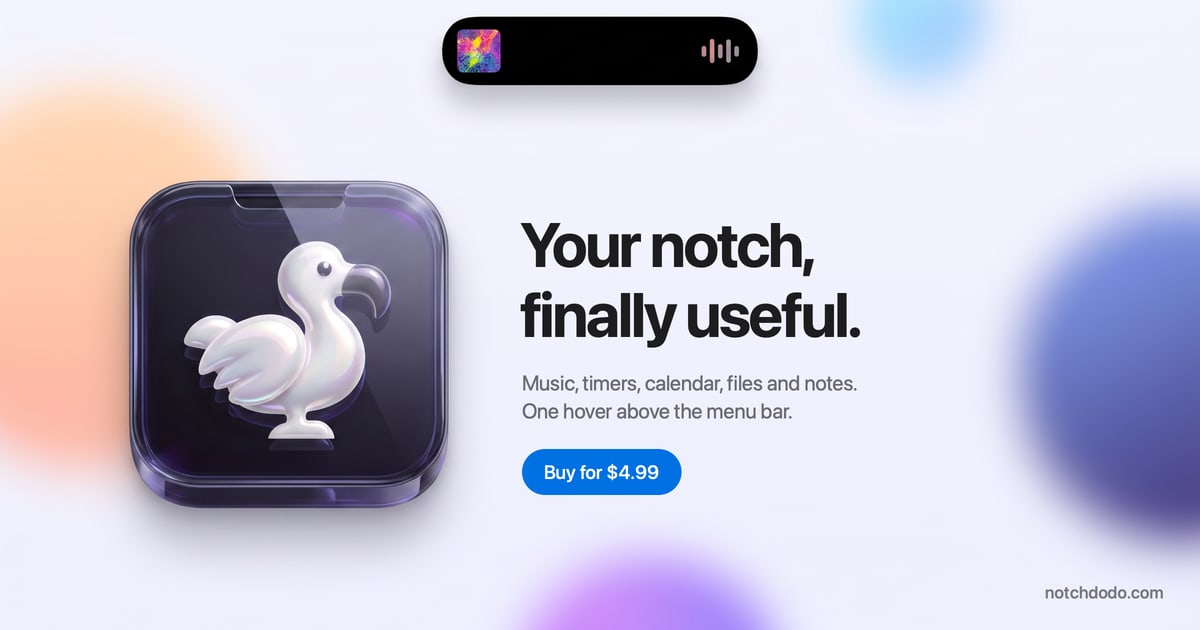
NotchDodo is a macOS app that turns the notch at the top of a MacBook display into a Dynamic Island-style panel, giving Mac users quick access to a set of everyday utilities without interrupting their work. Hovering above the menu bar opens a dark dashboard that holds music controls, timers, today's calendar, files, notes and AI agent usage in one place. It is built specifically for Macs with a notch, and it also runs on Macs without one by drawing a simulated island at the top centre of the screen. The app is a one-time purchase aimed at anyone who wants the notch to become a useful part of their daily workflow rather than dead space.
On modern MacBooks the notch is a piece of hardware that most software simply works around. Menu bar icons slide behind it and vanish when a lot of apps are running, and everyday information such as the current track, a running timer or the next meeting tends to be scattered across separate apps and separate windows. NotchDodo takes the opposite approach: instead of ignoring the notch, it treats it as a surface that can show what matters right now. The result is that the user does not have to switch apps, hunt through invites or dig through logs to know the shape of their day or what their coding agents are doing.
The Dashboard is the home page of the notch. It shows eight tiles on a dark panel separated by hairlines, and the user chooses which eight appear and in what order by clicking the gear. Today, Tasks, Notes and Reminders appear in miniature, each one tap away from its full tool. A Launcher shows the apps in the Dock five at a time, Day Progress tracks the workday set in Settings and rotates a short focus tip, and quick toggles cover Dark mode, Keep awake, Screenshot, Lock screen and Empty Trash. Music, AI Usage, System, Shelf and Screen Time tiles can be swapped in and reordered. Pomodoro is a watch-style dial with tick marks and a gold hand; starting a session moves the countdown into the notch so it stays visible while the user works in any app. Five modes cover the day — Work, Short break, Long break, Quick timer and Custom — and focus sounds play rain, café chatter or white noise with each focus block, fading out when the break begins. Every fourth completed session earns a long break, Focus Target attaches a session to an event, reminder or task, and a stopwatch with laps covers everything that is not a Pomodoro.
AI Usage reads the session logs that Claude Code, Codex and Gemini CLI already keep on the Mac and turns them into a live picture: tokens today, estimated cost at API list prices, and the five-hour window with its budget bar, burn rate and reset time. Each session shows its state — Running, Waiting or Done — along with the model, the git branch and the last prompt typed. Model tags cover Fable, Opus, Sonnet, Haiku and Gemini, with a CLI tag and a seven-day chart, and while an agent runs the notch shows a purple burn bar and token count and flashes when the window crosses 80 and 100 percent. The budget is learned from the largest past window or set manually in Settings. Dev Servers lists every local server that is running, with its port, the project folder it was started in and the framework such as Next.js, Vite, Django, Rails or Postgres, so a server can be opened in the browser or stopped with a click, ending the "port 3000 is already in use" problem. Menu Bar lists every menu bar icon, marks the ones the notch is covering and opens any of them with a click, using the system's own reveal button on macOS 27.
Today shows every event for the day in a list with a details pane giving duration, location, notes and a countdown to the next start, and Zoom, Meet, Teams, Webex and FaceTime links become a single Join button. Ten minutes before a call the notch shows a countdown without being opened; five minutes before, it opens on the meeting with the Join button and then tucks away. Events come from every calendar enabled on the Mac. Reminders reads real Apple reminder lists through EventKit and syncs back through iCloud, showing counts for overdue, due today and later, with quick add by typing and pressing Return and one-click completion reflected everywhere. Tasks is a to-do list with no setup for the small things that do not deserve a project — the list is kept on the Mac and nowhere else, with an open count, a progress bar for the day and a history of done items. Notes saves as you type, using the first line as the title, storing notes as plain files in the Application Support folder and showing word and character counts plus the time of the last save. Music provides Now Playing controls for Apple Music and the Spotify desktop app, with artwork, a scrub bar and transport controls; while something plays, the notch shows the art and four moving bars.
Shelf is a holding area for files: drag them onto the notch from Finder and they wait until needed, then drag them back out into Mail or Slack, AirDrop the lot or reveal them in Finder. Downloads and screenshots land there too, and hovering an image and tapping the wand converts it to PNG or JPG, halves it, shrinks it to 1920 px or compresses it. Calculator handles maths with proper precedence, percentages the way people say them and conversions for units and currencies, updating the result as you type and keeping a history with Return. Screen Time counts active time per app only while the user is actually at the keyboard, leaving out idle time, the lock screen and sleep, and groups apps into categories such as Development, Browsing and Communication with a donut and a bar, a Now card, a daily ranking and insights for the average and longest stretch in one app; every Monday and on the 1st a shareable Wrapped recaps focus time, Pomodoros, cursor distance, meetings, the top app and AI usage. System Analytics shows CPU, memory, storage, network, battery and free disk as tick gauges in the style of a watch face, sampling only while the tab is open. Mirror gives a 4:3 mirrored preview from the built-in camera before a call, starting when the tab opens and stopping when the notch closes. Dodo Run is an endless runner inside the notch, built for the minutes Claude Code is busy; it pauses and shows the alert the moment Claude needs approval, is waiting for a prompt or finishes. Support & Feedback lets users send help requests, reviews, general feedback, feature requests or bug reports from the panel, opening an email with the macOS and app version already filled in.
NotchDodo is designed the way the Dynamic Island was built. The notch band and the compact pill never change colour, so they merge with the camera housing, while the panel below is a solid dark dashboard with hairline dividers that reads on any wallpaper. Every size change uses springs rather than slides, overshooting a touch and settling, with digits that roll like a clock and nothing fading in for decoration. Seventeen tools ship in the box, each one a keyboard shortcut away if wanted; turn off ten and the rail shows seven. Permissions are asked for when a tab is opened, never at launch, and the notch stays black and silent until something is worth a glance, then grows a little and shrinks back when the user is done. It handles many things automatically: it shows album art while music plays, a running countdown and ring while focusing, a four-second notice when charging and a warning below twenty percent, a countdown ten minutes before a meeting, tokens over a purple burn bar while an agent works, download progress, a pulsing Claude mark when Claude needs approval, a chime and tick when a timer finishes, and a one-time notice when an update is ready.
The benefits follow from that design. Information that would otherwise require switching apps or hunting through windows is one hover above the menu bar, so the user keeps working while staying aware of the next meeting, the running timer, the current track, the files waiting to be dealt with and how much of the AI usage window has been consumed. Because everything is read locally, nothing about the user's tasks, notes, Shelf, screen time, AI usage or Wrapped leaves the Mac; the app only goes online to check the licence when activated and about once a week, to check for updates, once if a trial key is activated, for exchange rates if currencies are converted in the calculator, and for Spotify album art while Spotify plays. The focus sounds are made on the Mac, so nothing downloads and they never loop. The app also avoids getting in the way: while another app is using the camera, hovering the notch will not open it and timers will not pop it open over a call, and NotchDodo can be hidden in full-screen apps in Settings.
Concrete situations shape the way NotchDodo is used. While a coding agent runs, the user glances at the notch to watch tokens tick up over the burn bar, plays Dodo Run during the wait and sees the Claude mark pulse when approval is needed, then returns to work. Before a call, a countdown appears ten minutes ahead and the notch opens on the meeting with a Join button five minutes before, so no invite has to be searched. During a focus block, a Pomodoro session keeps its countdown in view with rain, café chatter or white noise playing, and a long break is queued automatically after every fourth session. When a file downloads in Safari, Chrome, Edge, Brave or Firefox, its progress shows in the notch and the finished file appears on the Shelf, ready to drag into Slack, while new screenshots wait there too. When local development gets tangled, Dev Servers shows which localhost servers are running and lets the user open or stop one with a click without breaking a coding agent's private helpers. At the end of a week, Screen Time's Wrapped recaps where the time went.
NotchDodo is made for Mac users on macOS 14 Sonoma or later on Apple silicon, and Macs without a notch get a simulated island so everything behaves the same. It is a direct download from notchdodo.com rather than an App Store app, so a new version is announced in the notch and downloaded with one click, with no waiting on store review. Pricing is a one-time purchase: $4.99 as a launch price for the first 50 customers, then $14.99, with no subscription and no account. A licence key arrives by email and unlocks the download on 2 Macs, with lifetime updates included, a 14-day refund on request by email, and a private-by-design approach in which nothing leaves the Mac except the licence check. It integrates with Apple calendars, Apple Reminders through EventKit and iCloud, Apple Music, the Spotify desktop app, Claude Code, the Codex CLI and Gemini CLI, and asks for Accessibility access for the Menu Bar tool and camera access for Mirror.
NotchDodo turns a piece of Mac hardware that most software works around into a compact dashboard for the day. Seventeen tools, one hover above the menu bar and a one-time price make it a way to keep music, timers, meetings, files, notes and AI agent usage in view without leaving the work in front of you — a more useful Mac, with the notch doing the talking.
Publisher
A
admin
Launch Date2026-10-01
Platformdesktop
Pricingpaid