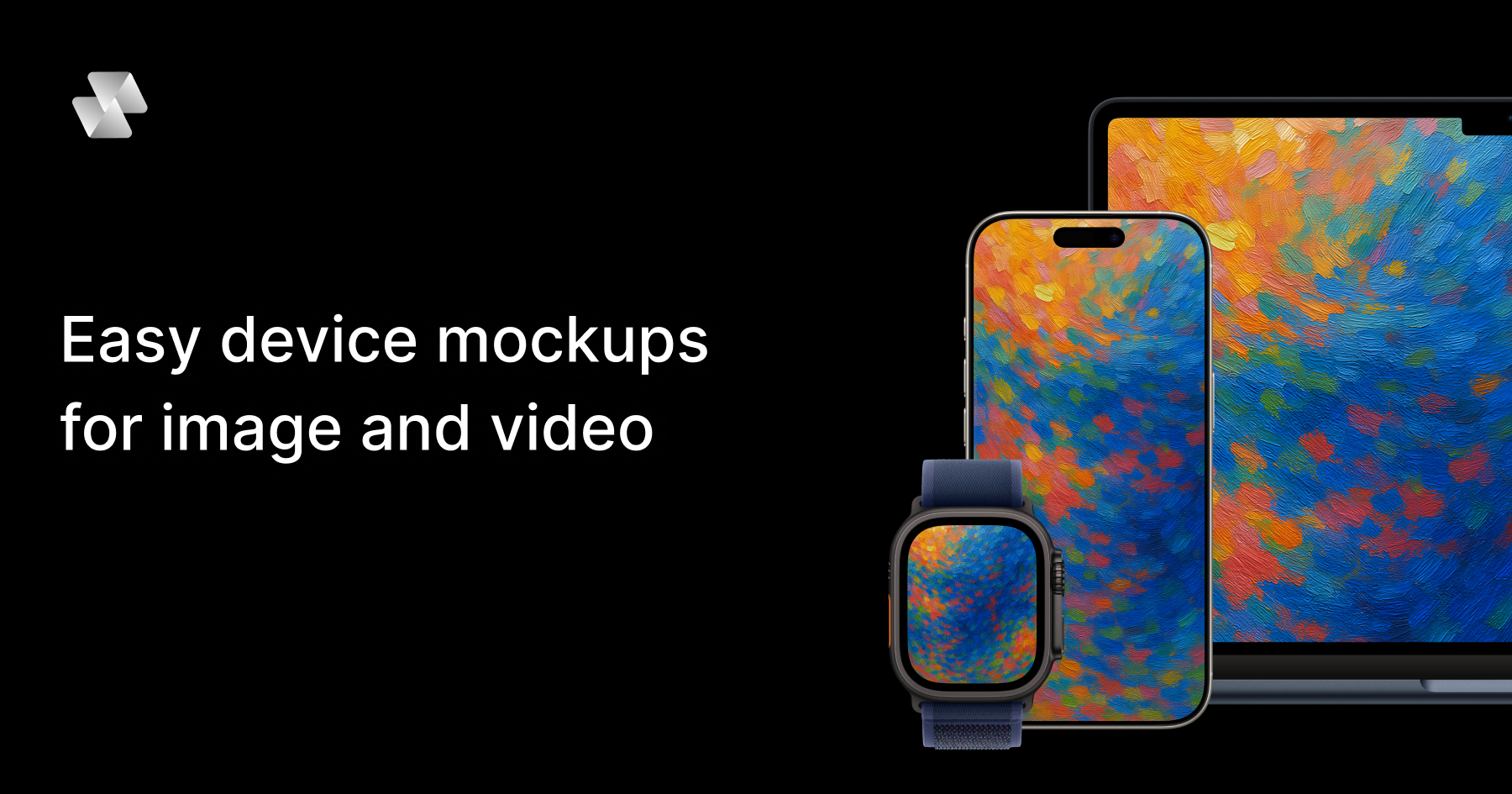
Mock Magic is a browser-based device mockup generator for images and video. It lets you upload a screenshot or a screen recording, drop it into a realistic device frame — an iPhone, iPad, MacBook, Android phone, desktop monitor or smartwatch — and export the result in high resolution within seconds. The tool is built for designers, developers, freelancers and marketing teams who need to present apps, websites and digital products inside convincing device hardware. Everything runs in the browser: there is nothing to install, and no Photoshop or After Effects is required. The site positions the product simply as a way to create beautiful device mockups — upload your design, select a device, and download your mockup in seconds — with unlimited free image mockups and video mockups available on the paid subscription.
Most mockup tools stop at images. That is the gap Mock Magic was built to close: a static device frame is often enough for a screenshot, but apps, websites and digital products increasingly need motion — a screen recording wrapped in a phone frame, an animated product demo inside a laptop, a short branded clip for a launch. Producing that kind of device video has traditionally meant heavyweight desktop software such as Photoshop or After Effects, plus the skills, licences and time to use them. Mock Magic removes that friction by moving the workflow into the browser and by supporting video sources alongside images. According to the product description, the tool turns a screen recording into a polished device video, in your brand colours, in the browser, in seconds — with nothing to install.
Device coverage is one of Mock Magic's core strengths. The site says the tool supports 54+ device variants, spanning the latest iPhones, Android phones, iPads, MacBooks, desktop monitors and smartwatches, and that the library is constantly updated with new devices. Dedicated pages exist for individual device families, including iPhone mockups, MacBook mockups, iPad mockups, Android mockups, desktop mockups and smartwatch mockups, so visitors can start from the hardware they care about. Alongside raw device frames, Mock Magic offers a template library. Templates cover different orientations, single-device layouts and multi-device compositions, so you are not limited to one screen in one position. Some templates are included in the free plan, while premium templates with advanced layouts and features are available exclusively to Pro subscribers. The site describes templates as a way to create professional-looking mockups with minimal effort.
Backgrounds are optional but well covered. Mock Magic lets you highlight your design against a solid colour or a gradient, and both options sit behind the device frame rather than competing with it. Customisation goes further than presets: you can choose your own background colour using a colour picker, or upload your own background image. Custom backgrounds are saved to your account so they can be reused in future mockups, which makes it practical to keep a recurring brand backdrop on hand instead of rebuilding it each time. The product description also mentions setting a brand colour with a hex code, which suits teams that work from a defined palette. In short, the background system is designed to help you create the perfect setting to showcase your design, whether that setting is a plain colour, a gradient, or an image of your own.
Mock Magic handles both still and moving content. Images can be added on the free plan, while video mockups are a Pro feature. Supported image formats are PNG, JPG and SVG; supported video formats are MP4 and WebM. All mockups — image or video — can be downloaded in high resolution, and the site promises high quality exports. Video support means moving content renders inside the device frame rather than being flattened into a screenshot, which is what makes an app promo video or an animated landing page asset possible. The other half of the workflow is repeatability. You can save your device selection, background choice and template preference as default settings, so every new mockup starts with your preferred options already selected. The Product Hunt listing frames the same idea as presets: save your setup once and reuse it, so every mockup for your app store, website or socials matches.
The workflow is deliberately short. You start by uploading a screenshot or screen recording into the browser editor at Mock Magic's studio. Next you pick a device frame from the 54+ variants, choose a template if you want a particular orientation or a multi-device composition, and set a background — a solid colour, a gradient, a hex-code brand colour, or an uploaded image. Then you export in high resolution and download. The distinctive part is what happens after that first export: Mock Magic remembers your setup. Device selection, background and template can be saved as defaults, and presets let you reuse a branded configuration for future files. That turns mockup production from a one-off design task into a repeatable, consistent process that lives entirely in the browser, with no installable software in the loop.
The benefits follow directly from that workflow. Speed: the site repeatedly describes exports in seconds and a process that takes a few steps — upload, select a device, download. Consistency: saved defaults and presets mean a series of mockups shares the same device, background and layout, which matters when assets sit next to each other on a store listing, a landing page or a social grid. Accessibility: because the tool is browser-based, there is no Photoshop or After Effects licence, no install, and no specialist motion-design skill implied. Cost: unlimited image mockups are free, and video mockups are available on the Pro plan at €7.99 per month. Quality: exports are high resolution, whether the asset is a static screenshot or a moving device video.
Mock Magic lists typical applications for device mockups, and they map closely to its features. App Store screenshots are the classic case: a phone frame in the right orientation with a branded background. Social media posts reuse the same assets in different formats. Landing page hero images benefit from the desktop and laptop frames, and from gradient or solid-colour backgrounds that blend into a site design. Pitch decks use device mockups to make a product feel tangible during a demo or investor presentation. App promo videos are where video support earns its keep: a screen recording placed inside a phone or laptop frame becomes a moving product demo rather than a static picture. The Product Hunt listing adds a related scenario — turning a screen recording into a branded device video using a saved preset, so a whole series of clips shares one look.
Mock Magic names its audience directly: designers, developers, freelancers and marketing teams. Anyone who needs to present an app, website or digital product inside device hardware fits the description, and the free image tier lowers the barrier for individuals testing the tool. Pricing is split between a Free plan and a Pro plan at €7.99 per month. The pricing section lists device selection, background colours and gradients, high-quality export, saved selections, unlimited video mockups, Pro templates and custom background image uploads against both plans; the FAQ clarifies the intent, stating that image mockups are unlimited and free, that video mockups are a premium feature for paid subscribers, and that premium templates with advanced layouts are available exclusively to Pro subscribers. Access is browser-based through the Mock Magic studio.
For anyone who needs device mockups without a design suite, Mock Magic condenses the job into a browser tab: upload an image or a screen recording, choose from 54+ device variants, dress it in a branded background, and export in high resolution. Templates cover single-device and multi-device layouts, saved defaults and presets keep a series of assets consistent, and video support on Pro turns screen recordings into finished device videos. Free unlimited image mockups make it easy to start, and €7.99 per month unlocks video and premium templates. The result is faster, more consistent product presentation — built for app stores, websites, socials and pitch decks.
Publisher
A
admin
Launch Date2026-09-11
Platformweb
Pricingfreemium
Traffic Insights
Month2026-09
Estimated Visits19.9K
MoM Visits GrowthN/A
Avg Time on Site-
MoM Time GrowthN/A
Global Rank#5,262,513
Bounce Rate-
Updated 2026-09-11