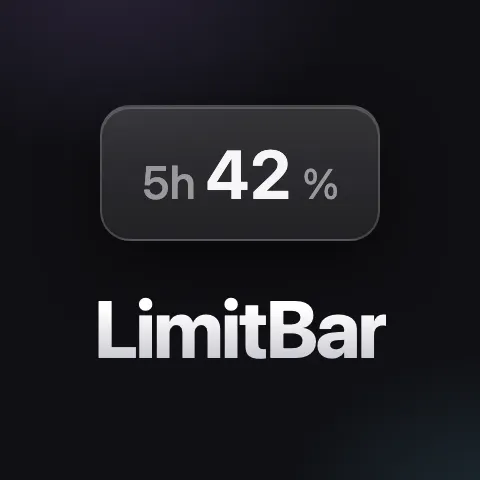
LimitBar is a native macOS menu bar application designed for users who heavily utilize Claude Code, particularly with models like Fable. Its primary function is to display all relevant usage limits directly in your Mac's menu bar, providing real-time updates every 60 seconds. This allows users to efficiently plan their workday and avoid the need to constantly re-run commands like `/usage` or click on the usage wheel to check their remaining budget.
The problem LimitBar addresses stems from the operational constraints imposed by AI model usage limits. For power users of Claude Code, these limits function as a critical work budget. Without a readily accessible and constantly updated view of these limits, users often find their workflow interrupted or their planning disrupted. This can lead to inefficiencies, as users might need to pause their work to check their status or might inadvertently exceed limits, causing unexpected downtime. The need for a seamless and integrated way to monitor these usage budgets is paramount for maintaining productivity and smooth operation.
One of the key features of LimitBar is its real-time usage monitoring. It continuously tracks and displays your Claude Code usage limits, including the 5-hour window, weekly caps, and per-model limits such as those for Fable. This ensures you always have an up-to-date view of your remaining usage budget without manual intervention.
Another significant aspect is its unobtrusive integration into the macOS menu bar. The application is built using native Swift, resulting in a small footprint of under 1 MB and avoiding the resource-heavy nature of Electron-based applications. This ensures it runs efficiently without impacting your system's performance.
The application's method of data retrieval is designed to be cost-effective and efficient. LimitBar calls the same internal usage endpoint that Claude's own clients use, leveraging your existing login credentials. Crucially, this process does not invoke any AI models, meaning that checking your usage budget consumes zero tokens from your allocated budget.
LimitBar offers a streamlined user experience with minimal system intrusion. It aims to reduce the friction associated with monitoring AI usage, allowing users to focus on their tasks rather than managing their usage metrics. The application is designed to be intuitive and requires minimal setup.
The primary benefit for users is enhanced planning and reduced surprise lockouts. By having constant visibility into their usage limits, users can make more informed decisions about when to start intensive tasks, ensuring they stay within their budget and avoid interruptions. This leads to a calmer, more predictable workflow.
Specific use cases include planning heavy AI-driven coding sessions, managing weekly token budgets for research projects, and ensuring that model-specific limits, like those for Fable, are not unexpectedly hit mid-task. For instance, a developer working on a large codebase might use LimitBar to gauge how much of their weekly Claude Code budget they have remaining before committing to a lengthy code generation session.
LimitBar is designed for macOS 13+ and requires Claude Code to be logged in with a Pro or Max plan. It is an unofficial product, not affiliated with Anthropic. The application is available for a one-time purchase of €2.99, with a 30-day refund policy. The source code is included with the download and can be compiled locally on the user's Mac, offering transparency into its operation.
In summary, LimitBar provides power users of Claude Code with a vital tool for managing their AI usage, offering real-time visibility and enabling more effective planning to maximize productivity and avoid unexpected limitations.