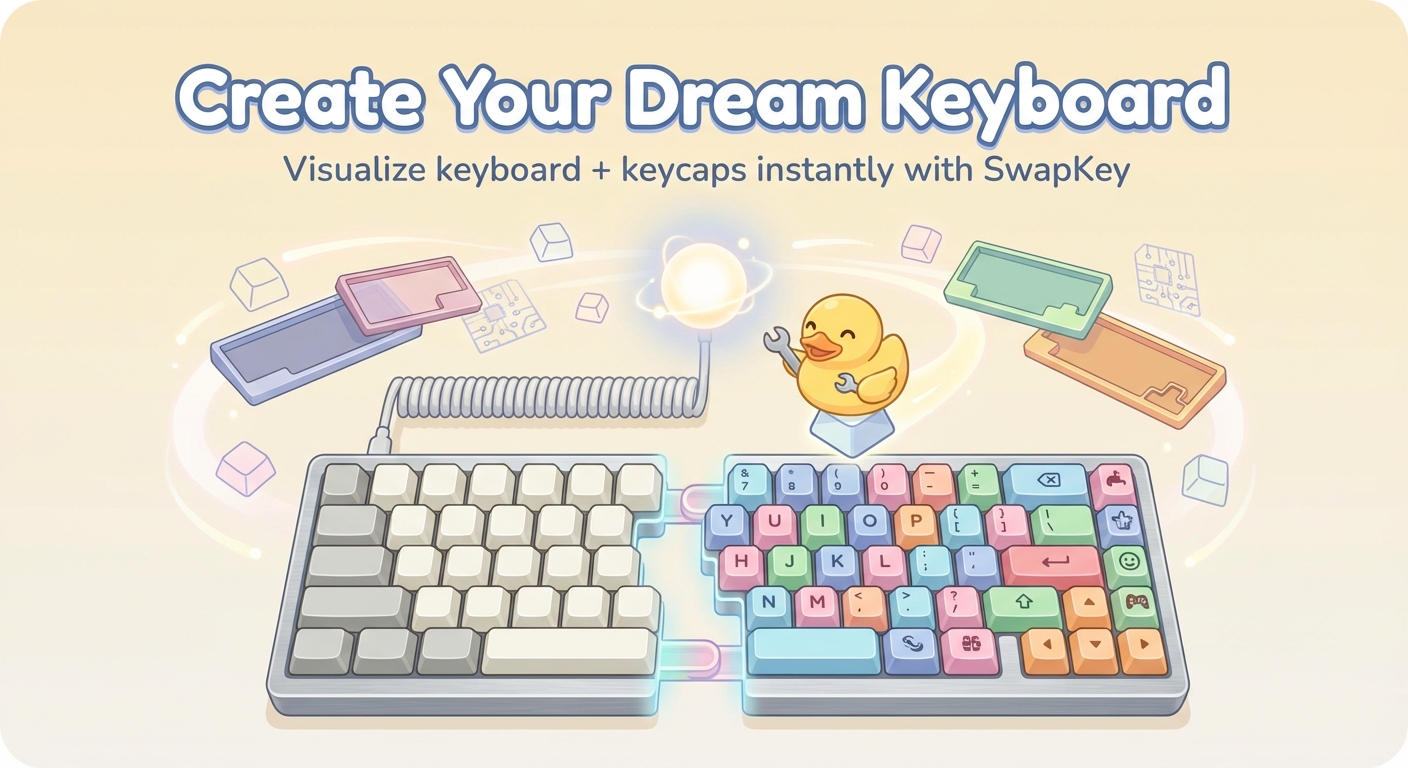
SwapKey lets you visualize mechanical keyboard builds with keycap sets before purchasing. You can mix and match keyboards and keycaps to see real-time mockups.
SwapKey by Duckeebs is a web-based mechanical keyboard mockup tool that enables enthusiasts to visualize custom builds before making a purchase. It falls under the category of keyboard customization and preview software, offering a digital sandbox for testing combinations. The core value lies in its ability to mix keyboards from a library with various keycap sets, generating real-time mockups that show the final look. This tool is essential for anyone in the mechanical keyboard community, from seasoned builders planning their next project to newcomers exploring options. By providing an accurate preview, SwapKey empowers users to make informed decisions and avoid the disappointment of mismatched components.
The primary problem SwapKey solves is the inability to see how keycaps will actually look on a specific keyboard until they are bought and installed. This often leads to returns, wasted money, and frustration, especially in a hobby where aesthetics and compatibility are paramount. SwapKey directly addresses this by offering a virtual space where any combination can be tested instantly. Users no longer need to rely on static product images or guesswork. The real-time mockups allow for thorough evaluation of color schemes, profile compatibility, and overall aesthetics. This matters because mechanical keyboards are an investment in both time and money, and a wrong choice can ruin the entire build experience. By eliminating uncertainty, SwapKey makes the purchase process safer and more satisfying.
The first major feature group comprises "Connect to SwapKey service" and "Load keyboard library." The "Connect to SwapKey service" step establishes a live connection to synchronize data, ensuring access to the most up-to-date information on keyboards and keycaps. This is crucial because new products are constantly released in the market. Once connected, the "Load keyboard library" step populates the workspace with a curated selection of keyboard models, each with accurate dimensions and layout details. Users can browse through popular boards, from standard 60% layouts to ergonomic designs, and select their exact base. Together, these features provide a reliable foundation for the build process, ensuring every mockup reflects real, current products and reducing the risk of outdated data.
The second major feature group includes "Load keycap sets" and "Prepare assets." After choosing a keyboard, users proceed to "Load keycap sets," which imports a diverse library of keycap options. This library includes different profiles, materials, colors, and legends, allowing for extensive experimentation. Users can scroll through sets to find ones that match their desired aesthetic. Following this, "Prepare assets" compiles all selected components and prepares them for rendering. This step optimizes the visual assets, handling details like keycap height, font alignment, and color matching to produce an accurate representation. The combination of these features allows for a seamless transition from selection to preview, making the design process intuitive and efficient, with minimal waiting time.
Publisher
A
admin
Launch Date2026-01-16
Platformweb
Pricingfree